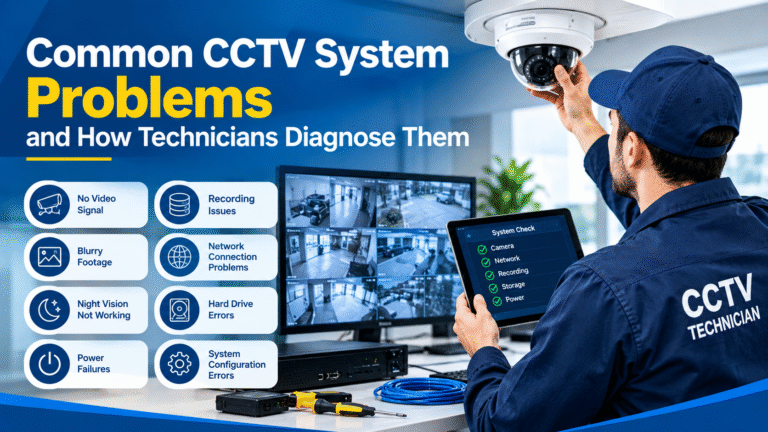
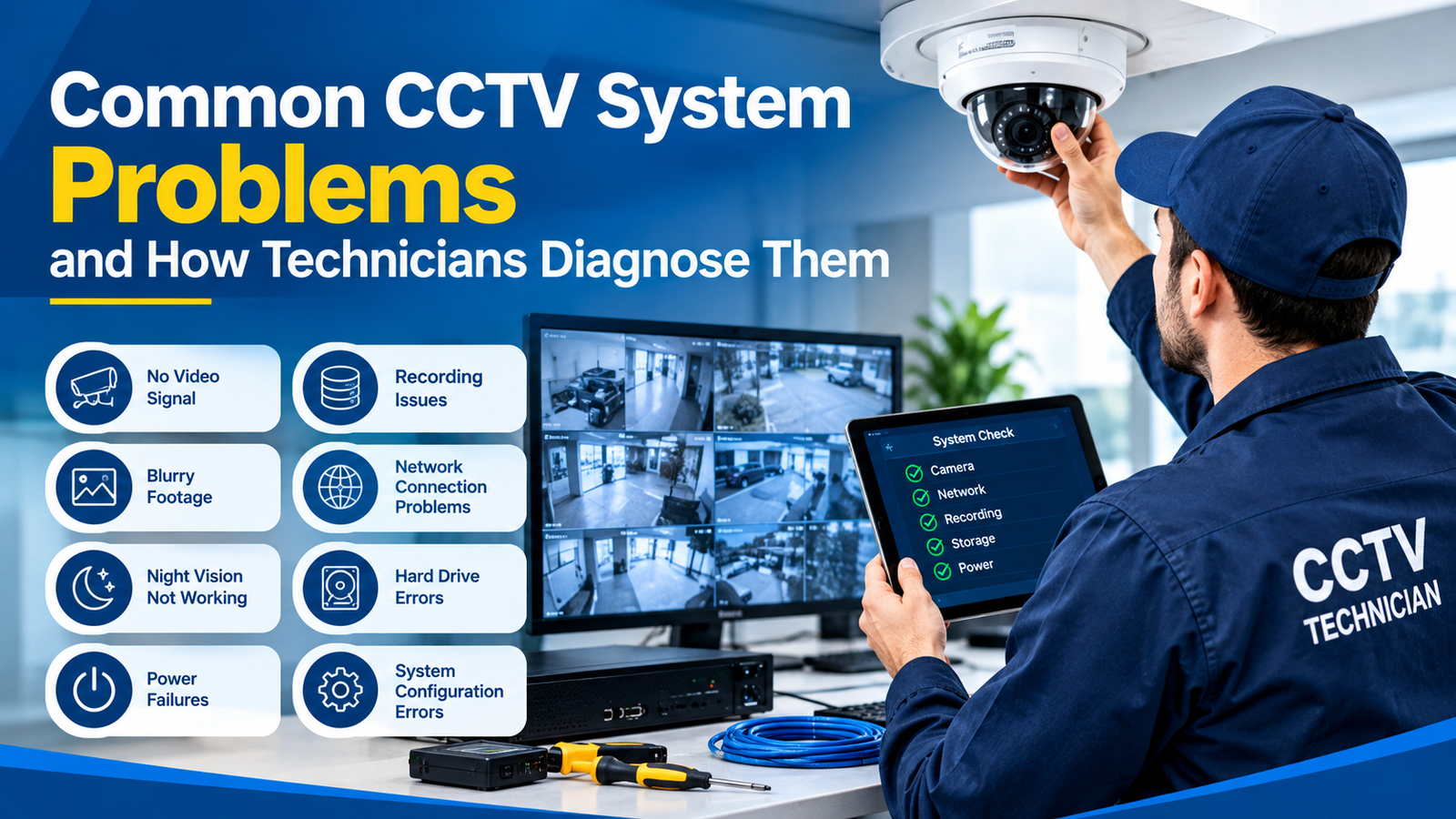
Common CCTV System Problems and How Technicians Diagnose Them
A CCTV surveillance system is an essential security investment for homes, offices, commercial buildings, warehouses, retail stores, and industrial facilities. It helps monitor activities, prevent unauthorized access, and provide valuable video evidence when security incidents occur. However, like any electronic system, CCTV equipment can experience technical problems that affect its performance and reliability.
From cameras going offline to blurry footage, recording failures, connectivity issues, and night vision problems, several factors can prevent a CCTV system from working correctly. Understanding these issues and knowing how professional technicians diagnose them can help property owners maintain reliable surveillance and avoid unnecessary repair costs.
Common CCTV system problems often result from faulty cables, unstable power supplies, incorrect configurations, network interruptions, outdated firmware, or damaged hardware. While some issues can be resolved through basic maintenance, others require professional testing and technical expertise.
In this guide, we explore the most frequent CCTV system issues, explain how technicians identify their root causes, and share practical maintenance tips to keep your surveillance equipment operating efficiently.
1. CCTV Camera Showing Offline
One of the most frustrating issues for CCTV users is discovering that a camera has gone offline. When this happens, the camera may disappear from the NVR (Network Video Recorder), display a connection error, or stop transmitting live footage.
Common Causes
Several factors can cause a CCTV camera to lose connectivity:
- Loose or damaged Ethernet cables
- Unstable power supply
- Network configuration errors
- IP address conflicts
- Faulty PoE switches
- Router or switch malfunctions
- Incorrect camera credentials
- Firmware compatibility issues
According to Dahua’s technical support guidance, technicians should examine the network environment, cable connections, power supply, and potential IP conflicts when diagnosing intermittent camera disconnections.
How Technicians Diagnose the Problem
Professional technicians typically follow a systematic process:
Step 1: Check the physical connection
They inspect Ethernet cables, connectors, junction boxes, and network ports to identify loose connections or physical damage.
Step 2: Verify power delivery
For PoE cameras, technicians check whether the switch or injector provides sufficient power. For traditional cameras, they test the power adapter and voltage output.
Step 3: Test network connectivity
Using network diagnostic tools, technicians check whether the camera responds to a ping request and whether its IP address is accessible.
Step 4: Review NVR settings
They examine the camera’s IP address, username, password, network protocol, and channel configuration.
Step 5: Test with alternative equipment
If the issue continues, the camera may be connected to another known-working port or switch to determine whether the fault is in the camera or the network infrastructure.
Identifying the exact cause prevents unnecessary equipment replacement and helps restore stable surveillance.
2. No Video or Black Screen on CCTV Monitor
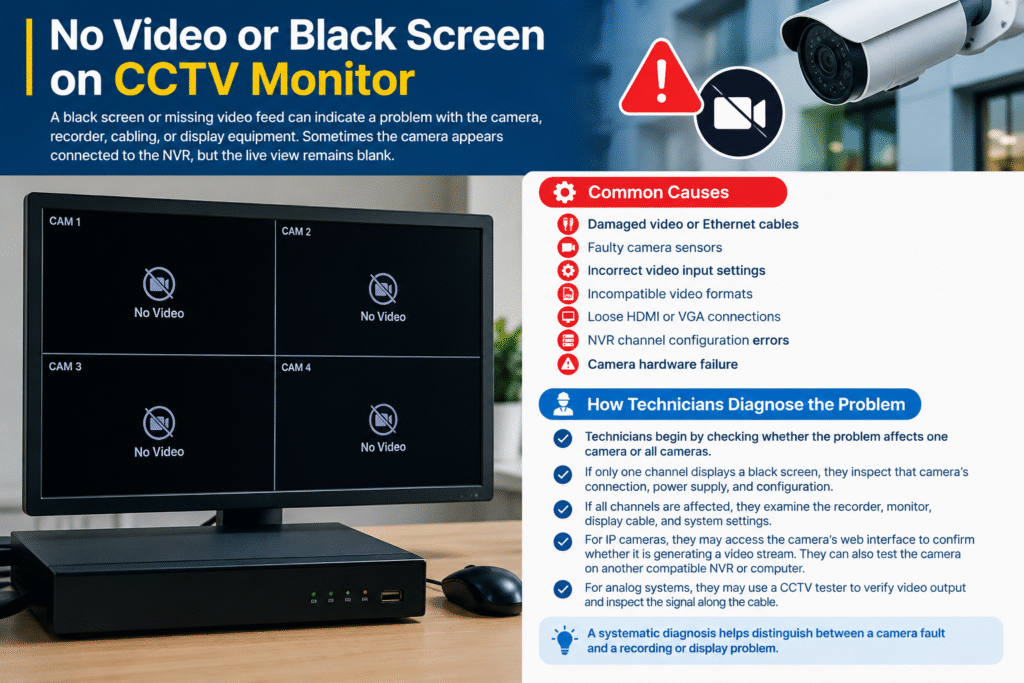
A black screen or missing video feed can indicate a problem with the camera, recorder, cabling, or display equipment. Sometimes the camera appears connected to the NVR, but the live view remains blank.
Common Causes
- Damaged video or Ethernet cables
- Faulty camera sensors
- Incorrect video input settings
- Incompatible video formats
- Loose HDMI or VGA connections
- NVR channel configuration errors
- Camera hardware failure
How Technicians Diagnose the Problem
Technicians begin by checking whether the problem affects one camera or all cameras.
If only one channel displays a black screen, they inspect that camera’s connection, power supply, and configuration.
If all channels are affected, they examine the recorder, monitor, display cable, and system settings.
For IP cameras, technicians may access the camera’s web interface to confirm whether it is generating a video stream. They can also test the camera on another compatible NVR or computer.
For analog systems, they may use a CCTV tester to verify video output and inspect the signal along the cable.
A systematic diagnosis helps distinguish between a camera fault and a recording or display problem.
3. Blurry or Poor CCTV Image Quality
Clear video footage is essential for identifying people, vehicles, and suspicious activities. Poor image quality can reduce the effectiveness of a surveillance system, particularly when footage is needed as evidence.
Common Causes
- Dirty camera lenses
- Incorrect focus settings
- Scratched protective covers
- Poor camera positioning
- Incorrect resolution settings
- Insufficient lighting
- Damaged image sensors
- Excessive digital zoom
- Incorrect compression settings
Environmental conditions such as dust, moisture, fog, and glare can also affect image clarity.
How Technicians Diagnose the Problem
Technicians first inspect the camera lens and protective housing. They clean the lens using appropriate materials and check for scratches, condensation, or other obstructions.
Next, they review camera settings, including resolution, bitrate, frame rate, exposure, and focus.
If the image remains blurry, they may test the camera at different distances and lighting conditions to identify whether the issue is optical, environmental, or electronic.
For cameras with adjustable lenses, technicians carefully recalibrate the focus and zoom.
The Axis image quality troubleshooting resources provide additional guidance on diagnosing image quality and camera focus issues.
4. CCTV Recording Not Working
A CCTV system that displays live footage but fails to record creates a serious security gap. Users may believe their premises are protected, only to discover that no video evidence is available when they need it.
Common Causes
- Incorrect recording schedules
- Full or damaged hard drives
- Recording disabled on selected channels
- Faulty storage connections
- Incorrect motion detection settings
- NVR software errors
- Insufficient storage capacity
How Technicians Diagnose the Problem
The technician checks the recorder’s storage status to determine whether the hard drive is detected, healthy, and functioning correctly.
They then review the recording schedule and verify whether continuous recording, motion-based recording, or another recording mode is enabled.
If the system uses motion detection, technicians test whether movement triggers recording events.
They also examine playback timelines to identify missing footage and determine when recording stopped.
According to the AXIS Camera Station troubleshooting guide, recording failures and gaps can be associated with storage limitations, network problems, camera overload, or server performance issues.
If a hard drive is failing, technicians may recommend replacement. Important footage should be preserved before performing repairs or formatting storage devices.
5. CCTV Night Vision Not Working Properly
Night vision is one of the most valuable features of modern CCTV cameras. It allows surveillance to continue in low-light environments, including parking areas, warehouses, entrances, and outdoor locations.
However, cameras may produce dark, unclear, overexposed, or completely black footage at night.
Common Causes
- Faulty infrared LEDs
- Incorrect day/night settings
- Dirty camera covers
- Reflections from nearby surfaces
- Insufficient illumination
- Incorrect exposure settings
- Damaged infrared filters
- Power supply limitations
How Technicians Diagnose the Problem
Technicians test the camera during both daylight and nighttime conditions.
They inspect the infrared LEDs and verify whether the camera switches automatically into night mode.
They also check for reflections caused by nearby walls, glass, protective covers, or objects positioned too close to the lens.
If the infrared illumination is weak, technicians measure the power supply and inspect the camera’s internal components.
In some cases, repositioning the camera or adding suitable external lighting can significantly improve nighttime visibility without replacing the equipment.
6. CCTV Footage Lagging or Freezing
Video lag, delayed playback, and frozen images can make it difficult to monitor activities in real time. These problems are particularly common in systems with multiple high-resolution cameras.
Common Causes
- Insufficient network bandwidth
- Overloaded NVR
- Poor-quality network cables
- High video bitrate
- Excessive simultaneous video streams
- Outdated graphics drivers
- Network congestion
- Insufficient processing resources
How Technicians Diagnose the Problem
Technicians begin by checking whether the lag affects one camera or the entire system.
They monitor network traffic, recorder CPU usage, storage performance, and available bandwidth.
For IP surveillance systems, they may test the network switch and inspect cable quality.
If the system is overloaded, technicians can optimize video settings by adjusting resolution, frame rate, bitrate, or streaming profiles.
They may also separate camera traffic from other network activities using an appropriately configured network infrastructure.
The goal is to achieve smooth video performance without unnecessarily reducing the quality required for security monitoring.
7. CCTV System Keeps Restarting
Unexpected restarts can interrupt recording, disconnect cameras, and create gaps in surveillance footage.
Although occasional restarts may occur during maintenance or software updates, frequent rebooting usually indicates an underlying technical issue.
Common Causes
- Unstable electricity
- Faulty power adapters
- Overheating
- Damaged internal components
- Firmware problems
- Excessive system load
- Defective hard drives
- Power supply overload
How Technicians Diagnose the Problem
Technicians inspect the power source and measure voltage stability under operating conditions.
They check whether the recorder is overheating because of blocked ventilation, dust accumulation, or inadequate cooling.
System logs are reviewed to identify restart times and possible software errors.
If the issue occurs when several cameras activate infrared illumination, technicians may investigate whether the power supply is overloaded.
They may also disconnect nonessential devices temporarily to determine whether a particular component is causing the instability.
Replacing a power supply or improving ventilation can often resolve recurring restart problems.
8. Remote Viewing Not Working
Remote access allows users to monitor their premises through smartphones, tablets, or computers while away from the property.
When remote viewing stops working, users may still see their cameras locally but cannot access them through the internet.
Common Causes
- Internet connection failure
- Incorrect network settings
- DNS configuration problems
- Disabled P2P services
- Router or firewall restrictions
- Changed public IP address
- Incorrect application credentials
- Cloud service connectivity issues
How Technicians Diagnose the Problem
Technicians first verify that the recorder has an active internet connection.
They then check the remote access status within the recorder’s network settings and confirm that the device is correctly registered with the manufacturer’s platform.
If the system uses direct remote access, technicians inspect the relevant router and firewall configuration.
For cloud-based services, they check DNS settings, application authentication, and connectivity to the manufacturer’s service.
Hikvision’s remote access troubleshooting guide explains several potential causes, including internet outages, changed IP addresses, port forwarding problems, and network restrictions.
For security, remote access should use strong passwords, updated firmware, and secure connection methods. Unnecessary exposure of recorder services to the public internet should be avoided.
9. CCTV Hard Drive Errors
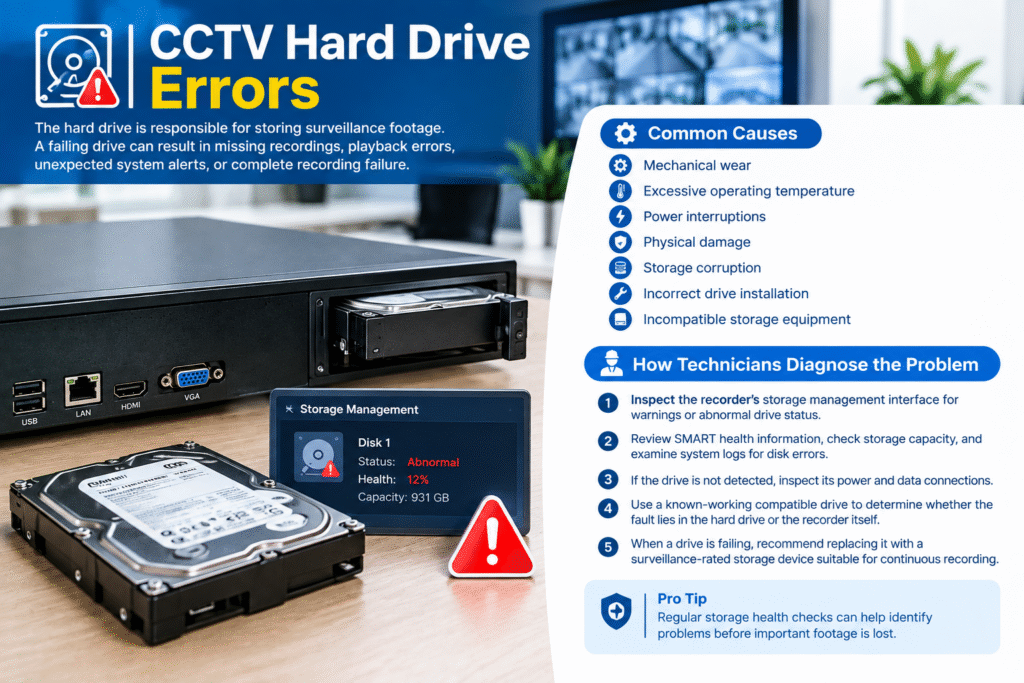
The hard drive is responsible for storing surveillance footage. A failing drive can result in missing recordings, playback errors, unexpected system alerts, or complete recording failure.
Common Causes
- Mechanical wear
- Excessive operating temperature
- Power interruptions
- Physical damage
- Storage corruption
- Incorrect drive installation
- Incompatible storage equipment
How Technicians Diagnose the Problem
Technicians inspect the recorder’s storage management interface for warnings or abnormal drive status.
They may review available SMART health information, check storage capacity, and examine system logs for disk errors.
If the drive is not detected, they inspect its power and data connections.
A known-working compatible drive may be used to determine whether the fault lies in the hard drive or the recorder itself.
When a drive is failing, technicians recommend replacing it with a surveillance-rated storage device suitable for continuous recording.
Regular storage health checks can help identify problems before important footage is lost.
10. Motion Detection Not Triggering Alerts
Motion detection helps reduce unnecessary recording and allows users to receive notifications when activity occurs in monitored areas.
However, poorly configured motion detection can produce false alarms or fail to detect important movement.
Common Causes
- Incorrect detection zones
- Sensitivity settings too low
- Excessive sensitivity
- Poor camera positioning
- Changing lighting conditions
- Moving trees or shadows
- Incorrect event schedules
- Software configuration errors
How Technicians Diagnose the Problem
Technicians review the camera’s motion detection settings and examine the selected detection zones.
They conduct practical movement tests to confirm whether the camera recognizes activity at different distances and angles.
If false alerts occur frequently, they adjust sensitivity and exclude areas with constant movement, such as busy roads or tree branches.
Where supported, advanced detection features such as human or vehicle classification can help reduce unwanted notifications.
Technicians also verify that the NVR is correctly configured to respond to motion events and that notifications are enabled.
11. CCTV Camera Showing Distorted Colours
Incorrect colours, pink or purple images, washed-out footage, and unusual brightness levels can make surveillance recordings difficult to interpret.
Common Causes
- Faulty infrared cut filter
- Incorrect white balance
- Sensor malfunction
- Damaged image processing components
- Incorrect camera settings
- Infrared reflection
- Firmware-related issues
How Technicians Diagnose the Problem
Technicians compare the camera’s image under different lighting conditions and inspect its day/night switching mechanism.
They review white balance, exposure, and image enhancement settings.
If colour distortion continues after configuration adjustments, they test the camera with an alternative power source or compatible recorder.
Persistent distortion may indicate a failing sensor or internal hardware component requiring professional repair or replacement.
12. CCTV Network Interference and Connection Drops
A stable network is essential for IP cameras because video streams depend on consistent communication between cameras, switches, recorders, and monitoring devices.
Network interruptions can result in offline cameras, recording gaps, delayed video, or inconsistent playback.
Common Causes
- Damaged Ethernet cables
- Faulty network switches
- Incorrect IP configuration
- Network congestion
- Electromagnetic interference
- Poor cable termination
- Excessive cable length
- Inadequate network design
How Technicians Diagnose the Problem
Technicians inspect network equipment and test cable continuity using professional cable testers.
They may perform ping tests, review switch port statistics, and examine packet loss or connection errors.
For larger installations, they assess network topology and determine whether camera traffic exceeds available bandwidth.
They also verify that IP addresses are correctly assigned and that duplicate addresses are not causing communication conflicts.
The Dahua technical support portal and Axis network troubleshooting resources offer additional manufacturer-specific guidance.
A properly designed network with suitable switches, quality cabling, and adequate bandwidth helps prevent recurring connection problems.
13. How Professional Technicians Diagnose CCTV Problems
Although individual issues require different solutions, experienced technicians generally follow a structured diagnostic process.
Step 1: Understand the Reported Issue
The technician asks the customer when the problem started, which cameras are affected, and whether any recent changes were made to the system.
This information helps narrow down potential causes.
Step 2: Perform a Visual Inspection
They examine cameras, cables, connectors, power supplies, network switches, and recording equipment for visible damage.
Step 3: Check Power and Connectivity
Voltage testers, cable testers, network tools, and PoE diagnostics help determine whether equipment receives stable power and maintains communication.
Step 4: Review System Logs
NVR and camera logs can reveal disconnections, recording errors, failed login attempts, storage warnings, and unexpected restarts.
Step 5: Test Individual Components
Technicians isolate cameras, cables, ports, and power sources to determine which component is responsible for the failure.
Step 6: Verify Configuration
They review IP addresses, recording schedules, image settings, motion detection, storage allocation, and remote access configuration.
Step 7: Apply the Correct Solution
Depending on the findings, the technician may repair wiring, adjust settings, replace defective equipment, update firmware, or improve network performance.
Step 8: Test the Entire System
After repairs, technicians verify live viewing, recording, playback, night vision, motion alerts, and remote access.
A final operational test confirms that the system is functioning as expected before the job is completed.
14. Preventive Maintenance Tips for CCTV Systems
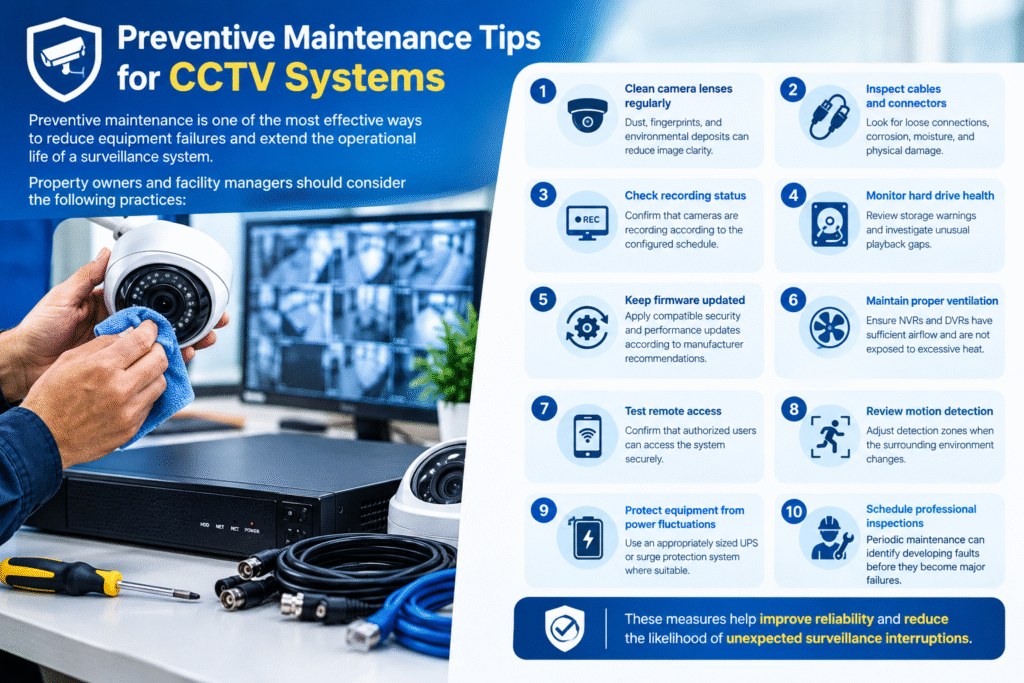
Preventive maintenance is one of the most effective ways to reduce equipment failures and extend the operational life of a surveillance system.
Property owners and facility managers should consider the following practices:
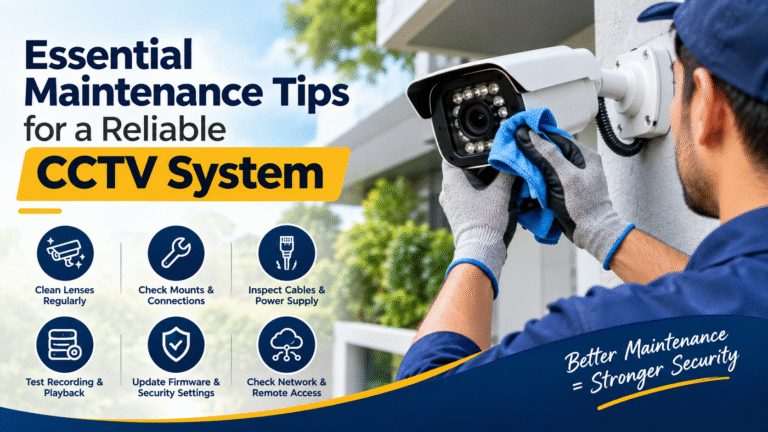
Clean camera lenses regularly: Dust, fingerprints, and environmental deposits can reduce image clarity.
Inspect cables and connectors: Look for loose connections, corrosion, moisture, and physical damage.
Check recording status: Confirm that cameras are recording according to the configured schedule.
Monitor hard drive health: Review storage warnings and investigate unusual playback gaps.
Keep firmware updated: Apply compatible security and performance updates according to manufacturer recommendations.
Maintain proper ventilation: Ensure that NVRs and DVRs have sufficient airflow and are not exposed to excessive heat.
Test remote access: Confirm that authorized users can access the system securely.
Review motion detection: Adjust detection zones when the surrounding environment changes.
Protect equipment from power fluctuations: Use an appropriately sized UPS or surge protection system where suitable.
Schedule professional inspections: Periodic maintenance can identify developing faults before they become major failures.
These measures help improve reliability and reduce the likelihood of unexpected surveillance interruptions.
15. When Should You Call a Professional CCTV Technician?
Some basic CCTV issues can be resolved through simple checks, such as cleaning a lens or confirming that a cable is connected.
However, professional assistance is recommended when:
- Multiple cameras repeatedly go offline.
- The recorder fails to save important footage.
- Hard drive errors appear frequently.
- Cameras restart without explanation.
- Network connectivity remains unstable.
- Power supply problems persist.
- Video quality deteriorates despite configuration adjustments.
- Remote access presents security concerns.
- Internal hardware repairs are required.
Attempting complex repairs without appropriate knowledge can damage equipment, erase important recordings, or introduce security vulnerabilities.
A qualified technician can identify the root cause, recommend appropriate repairs, and verify that the surveillance system is operating safely and reliably.
Conclusion
A reliable CCTV system is essential for protecting people, property, and business operations. However, even well-installed surveillance equipment can experience technical difficulties over time.
Understanding common CCTV system problems allows property owners to recognize warning signs, respond quickly, and make informed maintenance decisions.
Whether the issue involves camera connectivity, recording failures, poor image quality, night vision, storage errors, or remote viewing, accurate diagnosis is the key to an effective solution.
Professional technicians use systematic testing, network analysis, configuration reviews, and component inspections to identify the actual cause of a malfunction rather than simply replacing equipment unnecessarily.
By combining regular preventive maintenance with professional technical support, businesses and homeowners can maintain dependable surveillance, minimize downtime, and protect their security investment for years to come.
Frequently Asked Questions (FAQs)
1. What are the most common CCTV system problems?
The most frequent issues include cameras going offline, black screens, blurry footage, recording failures, hard drive errors, night vision problems, network interruptions, and remote viewing difficulties.
2. Why does my CCTV camera keep disconnecting?
Repeated disconnections can result from unstable power, damaged Ethernet cables, network congestion, IP conflicts, faulty switches, or incorrect configuration. A technician can isolate the cause through power and network testing.
3. How do technicians identify CCTV camera faults?
Technicians inspect physical connections, test power supplies, check network connectivity, review system logs, verify configuration settings, and test individual components to locate the source of a fault.
4. Why is my CCTV system recording no footage?
Possible causes include a full or damaged hard drive, disabled recording schedules, incorrect motion detection settings, or storage configuration errors. Checking the recorder’s storage status and recording timeline is a useful first step.
5. How often should a CCTV system be maintained?
A basic visual inspection should be performed regularly, while a more detailed professional inspection is recommended periodically. The ideal maintenance schedule depends on the environment, equipment, and security requirements.
6. Can CCTV problems be fixed without replacing the camera?
Yes. Many issues are caused by cables, power supplies, network settings, or software configuration rather than camera hardware. Proper diagnosis can prevent unnecessary replacement costs.
7. Why does my CCTV camera work during the day but not at night?
This may indicate an infrared illumination problem, incorrect day/night settings, insufficient power, or reflections from nearby surfaces. A technician can inspect the infrared components and adjust the camera’s position or settings.
8. Is professional CCTV maintenance necessary?
Professional maintenance helps identify developing faults, verify recording reliability, improve system performance, and address configuration or security issues that may not be obvious during everyday use.
9. What should I do if my CCTV system stops recording?
Check the recorder’s storage status, confirm that recording schedules are enabled, and inspect the playback timeline. If the issue continues, contact a qualified technician to examine the hard drive and recording configuration.
10. How can I prevent recurring CCTV problems?
Regular cleaning, cable inspections, storage monitoring, firmware maintenance, power protection, secure network configuration, and periodic professional servicing can significantly reduce recurring problems.