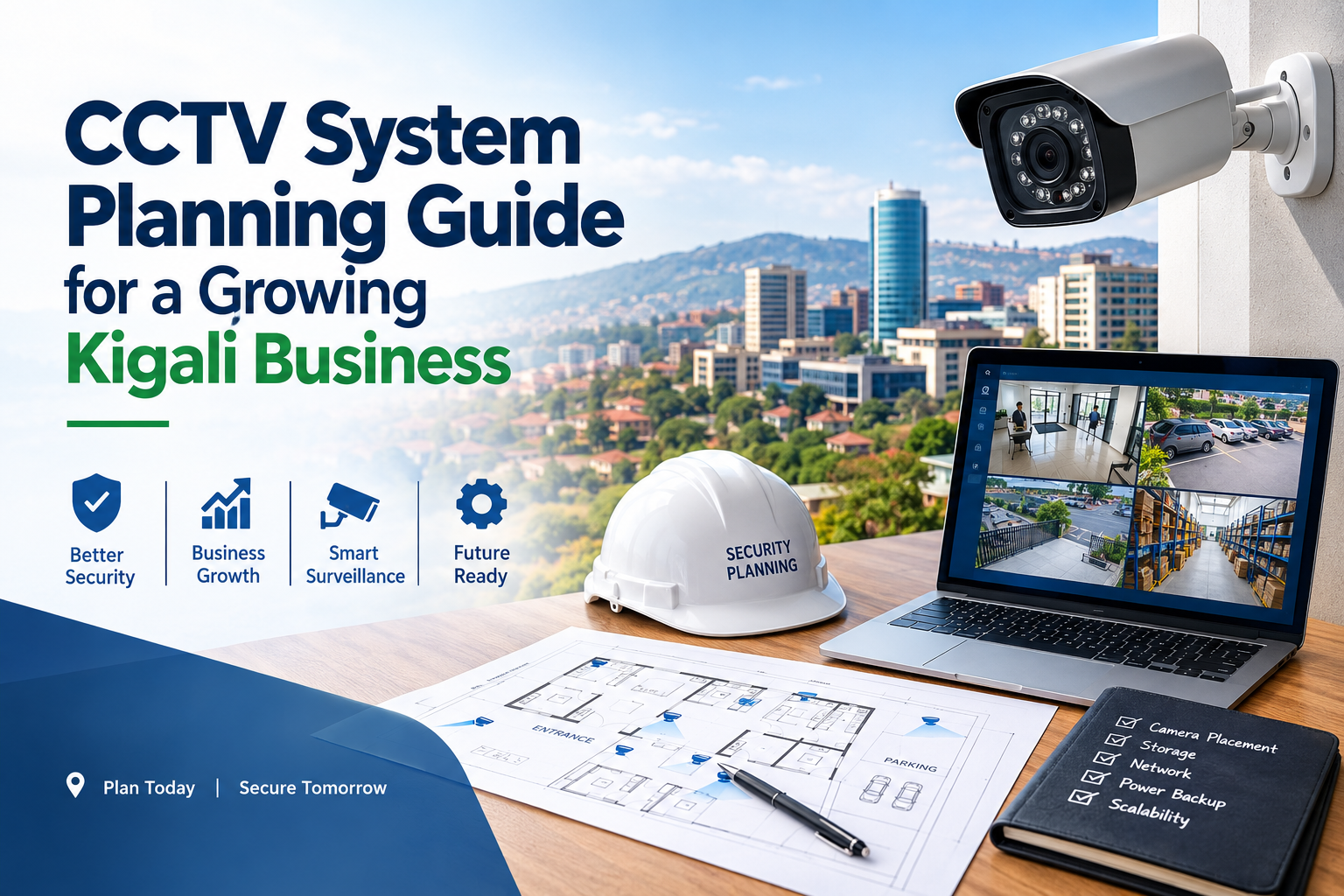
Essential CCTV System Planning Guide for Growing Kigali Businesses 2026
As businesses in Kigali continue to expand, protecting employees, customers, inventory, equipment, and business premises becomes increasingly important. Whether you operate a retail shop, office, warehouse, restaurant, hotel, school, or distribution centre, an effective security strategy can help reduce risks and improve daily operations.
A CCTV system is one of the most useful tools for business surveillance when it is selected, installed, and maintained correctly. Modern security cameras can provide live monitoring, recorded footage, motion detection, remote viewing, and integration with other security technologies. However, purchasing cameras without understanding your business requirements may lead to blind spots, insufficient storage, poor night-time images, or unnecessary expenses.
A well-prepared CCTV system planning guide helps business owners identify their security priorities, choose suitable equipment, estimate costs, and prepare for future growth. Instead of focusing only on camera prices, businesses should consider the entire surveillance system, including network infrastructure, recording equipment, installation, cybersecurity, and maintenance.
This article explains how growing businesses in Kigali can plan a practical, reliable, and scalable CCTV system that supports their long-term security requirements.
1. Assess Your Business Security Requirements
Before contacting an installer or requesting quotations, identify what you need your CCTV system to accomplish.
Different businesses face different security challenges. A retail store may need to monitor entrances, payment counters, and merchandise displays. A warehouse may require coverage of loading bays, storage aisles, and external boundaries. An office may prioritise reception areas, entrances, equipment rooms, and access points.
Start by reviewing your premises and identifying areas where security incidents could occur.
Identify high-priority areas
Consider the following locations:
- Main entrances and exits.
- Reception areas and customer service counters.
- Cash registers and payment points.
- Stockrooms and inventory storage areas.
- Loading bays and delivery entrances.
- Parking areas and building perimeters.
- Server rooms and restricted-access areas.
- Corridors and shared access routes.
Not every location needs the same level of surveillance. A payment counter may require clear facial and transaction-area images, while a large parking area may need wider coverage to observe vehicle movements.
Create a simple floor plan and mark the areas requiring monitoring. Record existing lighting conditions, entry points, obstacles, and the distance between important locations.
This assessment provides a useful foundation for a CCTV system planning guide because it connects equipment selection with real business risks rather than guesswork.
Define your security objectives
Your objectives should be specific and measurable where possible.
For example, you might want to identify people entering a restricted room, review stock movements after closing, monitor delivery activity, or allow an authorised manager to view a branch remotely.
Clear objectives help determine camera placement, image quality, recording duration, and the features worth paying for.
2. Choose the Right CCTV Cameras for Each Location
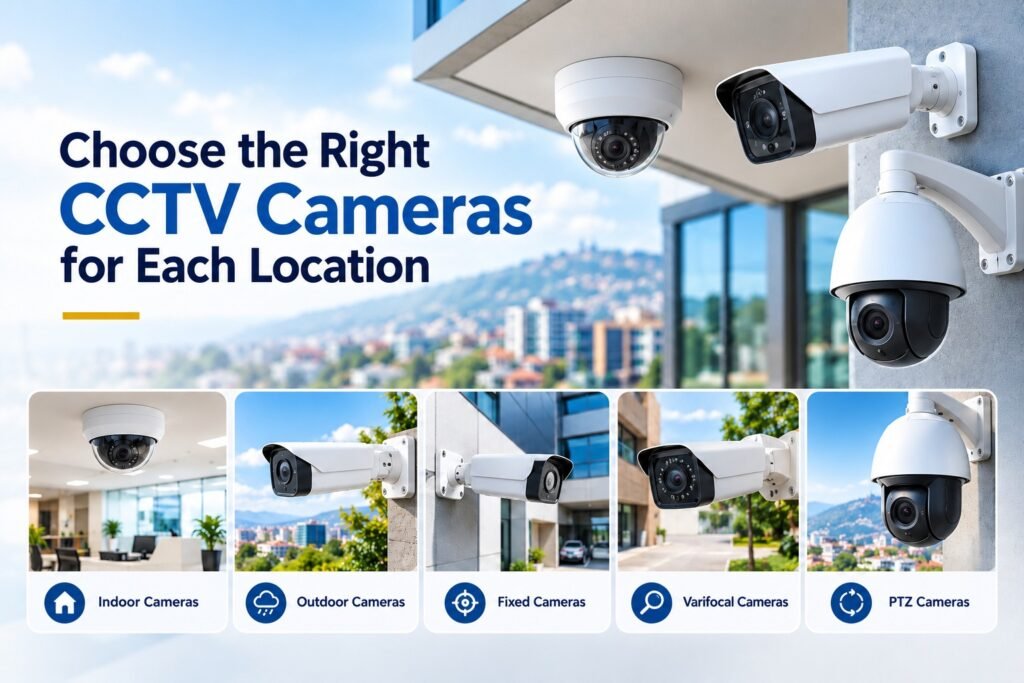
Selecting cameras based only on resolution or price can result in poor coverage. The right camera depends on its intended purpose, installation location, lighting conditions, and required level of detail.
Indoor cameras
Indoor cameras are suitable for offices, shops, reception areas, corridors, and stockrooms. Depending on the location, a compact dome camera or another discreet design may be appropriate.
Before selecting an indoor camera, consider its field of view, image quality, mounting position, and ability to perform under the available lighting.
Outdoor cameras
Outdoor cameras should be designed to withstand the environmental conditions at the installation site. Look for suitable dust and water protection, temperature specifications, mounting accessories, and protection against direct sunlight where necessary.
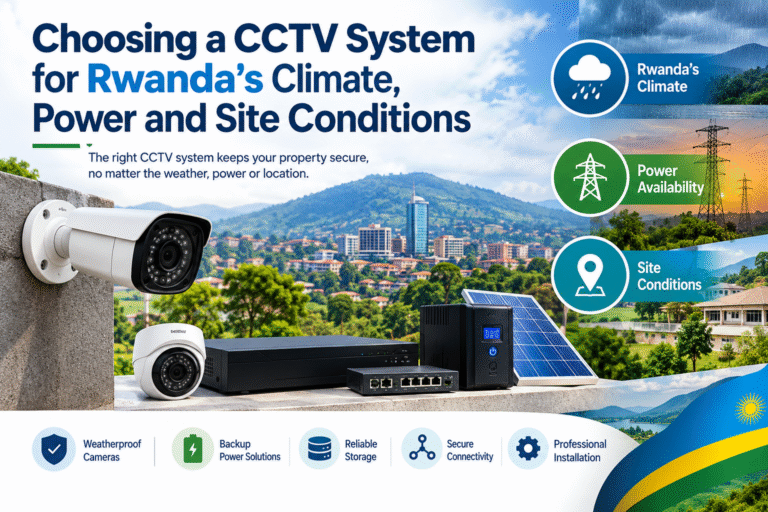
Kigali businesses should assess actual site conditions, including rain exposure, humidity, dust, and temperature variation. A sheltered entrance may have different requirements from an exposed gate or rooftop installation.
Fixed, varifocal, and PTZ cameras
Fixed cameras monitor a defined field of view and are useful when a specific area needs continuous coverage.
Varifocal cameras allow the installer to adjust the viewing angle and framing. They can be helpful when the camera must focus on a particular entrance, counter, or access route.
Pan-tilt-zoom (PTZ) cameras can move and zoom remotely. They may be suitable for larger sites, but they should not automatically replace fixed cameras. A PTZ camera pointed elsewhere cannot continuously capture detail in its previous direction.
For many businesses, a combination of fixed cameras and selected specialist cameras provides more dependable coverage than relying on one camera type.
3. Understand Resolution and Image Quality
Resolution affects how much visual detail a camera can capture, but it is not the only factor determining useful image quality.
A 4MP or 8MP camera may capture more detail than a lower-resolution model under comparable conditions. However, lens quality, sensor performance, lighting, compression, installation angle, and subject movement also influence the result.
Match resolution to the task
For general monitoring of corridors or open office spaces, moderate resolution may be sufficient. Areas where identification or detailed review is important may justify higher resolution and more careful camera positioning.
Ask your installer to demonstrate the expected image quality at the actual working distance. A camera that looks sharp in a product demonstration may not deliver the same detail when mounted high above a doorway.
Evaluate night-time performance
Security incidents can happen after business hours, so night-time performance deserves attention.
Check whether the camera offers infrared illumination, colour night vision, or suitable low-light technology. Ask how it handles areas with bright lights, deep shadows, headlights, or changing illumination.
Wide dynamic range (WDR) can help when a scene contains both bright and dark areas, such as a doorway with strong daylight outside and a dim interior.
Where possible, test representative cameras in the real environment before approving a large installation.
For additional guidance on selecting suitable equipment, review the CCTV resources available through Kigali Smart Solutions.
4. Plan Camera Placement and Eliminate Blind Spots
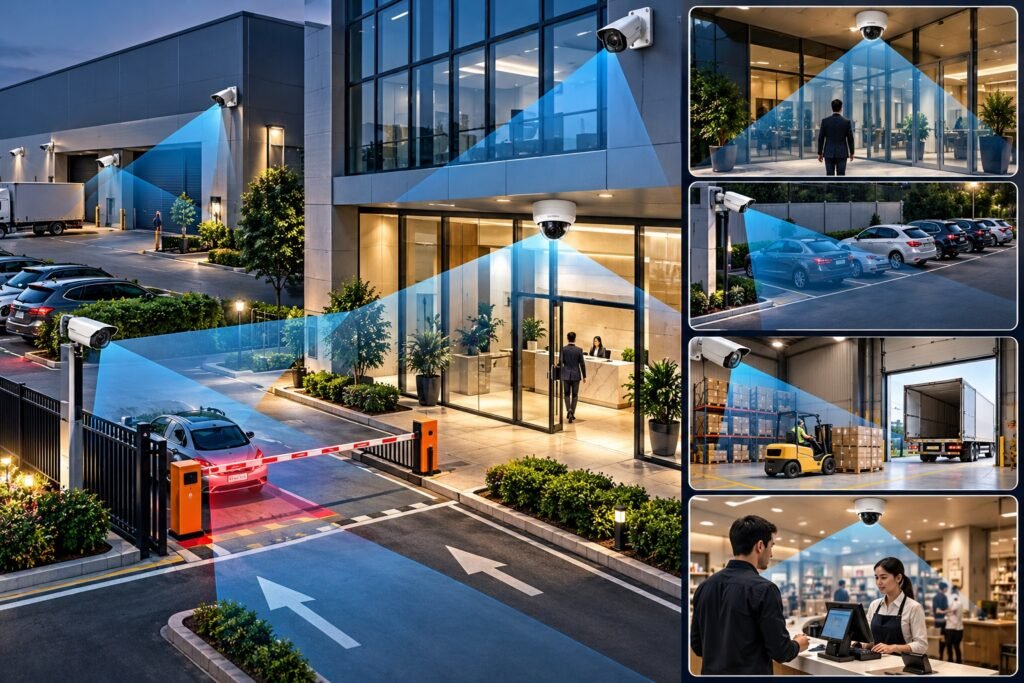
Even high-quality cameras cannot protect areas they cannot see. Poor placement can leave entrances, corners, delivery zones, and important equipment outside the recorded view.
Walk through the premises during the planning stage and consider how people and vehicles move through the site.
Prioritise critical viewing angles
Position cameras to capture useful views of entrances and exits. Avoid angles that show only the tops of people’s heads or provide excessive backlighting.
At payment counters, the camera should cover the relevant activity without unnecessarily recording sensitive information such as PIN entry. In warehouses, consider whether shelving, stacked cartons, and moving equipment could block views.
For outdoor areas, check whether trees, signs, parked vehicles, walls, or future construction could obstruct the camera.
Use overlapping coverage where necessary
Critical areas may benefit from overlapping views. For example, a main entrance could have one camera providing a wider overview and another positioned to capture additional detail.
Overlapping coverage can reduce the impact of temporary obstructions or equipment failure. However, installing more cameras than necessary increases costs, network traffic, storage requirements, and maintenance work.
The goal is to achieve useful coverage rather than simply maximise camera count.
5. Decide Between an IP CCTV System and an Analogue System
The recording technology you choose can influence installation costs, future expansion, image quality, and compatibility.
IP CCTV systems
IP cameras transmit video over a network and commonly connect to a network video recorder (NVR) or video management platform.
Potential advantages include high-resolution options, flexible networking, remote access, and integration with compatible security systems. Power over Ethernet (PoE) can allow compatible cameras to receive power and transmit data over a single Ethernet cable.
IP systems can be particularly suitable for growing businesses that expect to add cameras, open additional locations, or introduce centralised monitoring.
Analogue CCTV systems
Analogue HD cameras can provide a practical solution for businesses upgrading an existing coaxial installation. Depending on the equipment, an analogue system may reuse some existing cabling and reduce the need for extensive rewiring.
However, compatibility between cameras, recorders, connectors, and signal formats must be confirmed before purchasing equipment.
Which option is better?
There is no universal answer. An IP system may offer greater flexibility for a new building, while an upgraded analogue system could be cost-effective for premises with suitable existing infrastructure.
Compare the complete installation rather than the price of individual cameras. Include cabling, switches, recorders, storage, installation labour, configuration, and future expansion.
6. Calculate Storage Capacity and Recording Duration
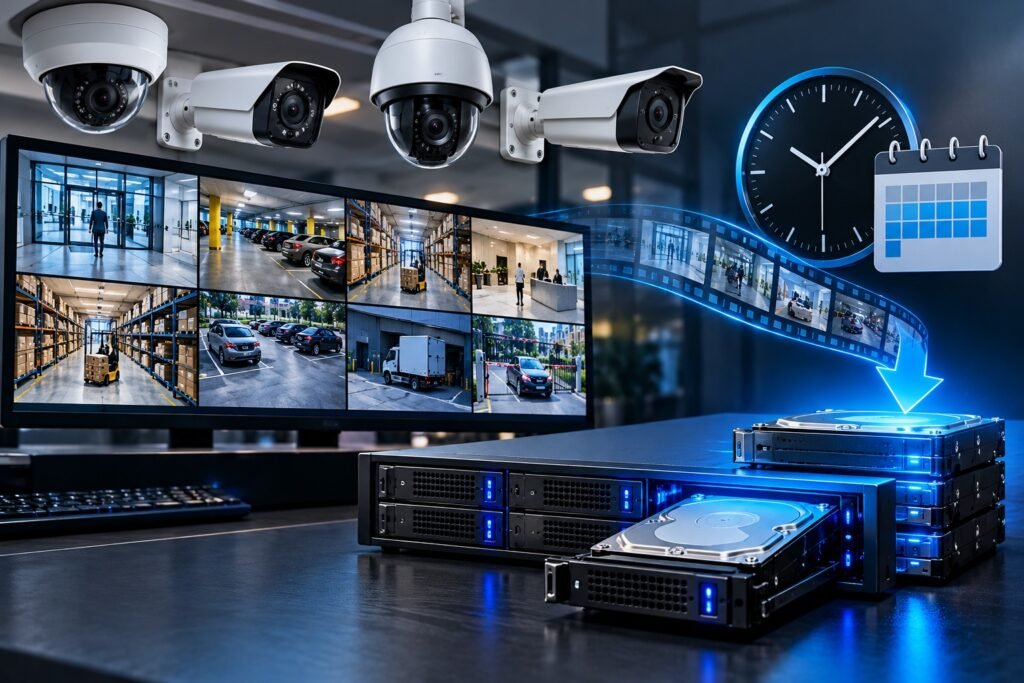
Recording storage is one of the most important elements of surveillance planning. A system may have excellent cameras but still fail to meet business requirements if it overwrites important footage too quickly.
Storage requirements depend on several factors:
- Number of cameras.
- Resolution and frame rate.
- Video compression settings.
- Average scene activity and bitrate.
- Continuous or motion-based recording.
- Required retention period.
- Number of days and hours recorded.
Continuous recording generally requires more storage than motion-triggered recording, although motion recording must be configured carefully to avoid missing relevant events.
Estimate your retention requirements
Ask how many days of footage your business needs to retain. A shop may require a different retention period from a warehouse or an office with specific operational requirements.
For illustration, eight cameras averaging 2 megabits per second each generate approximately 172.8 gigabytes of video data per day before accounting for overheads and recording-system differences. Thirty days would require roughly 5.2 terabytes under those simplified assumptions.
Actual storage needs can vary substantially, so use the proposed cameras’ expected bitrates and recording settings when calculating capacity.
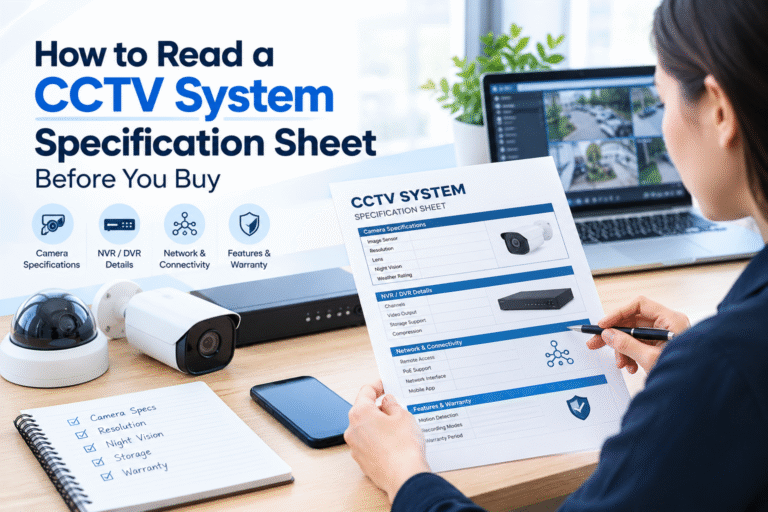
Ask the supplier to specify the usable storage capacity, expected retention period, drive configuration, and what happens when the drives reach capacity.
Surveillance-rated hard drives are commonly used in recorders designed for continuous recording. RAID configurations may improve availability in some systems, but RAID should not be treated as a substitute for a separate backup where footage must be preserved.
7. Plan Network Connectivity and Remote Monitoring
Growing businesses increasingly want managers to review cameras while away from the premises. Remote monitoring can be valuable for owners who supervise several branches or travel frequently.
However, remote access depends on more than installing a mobile application.
Check your internet and local network
Confirm that the network can handle the combined camera traffic, recorder connections, and normal business activities.
Camera streams may consume substantial bandwidth, especially at higher resolutions. A dedicated surveillance network or VLAN can help separate camera traffic from employee devices and other business systems.
The local recording system should continue working when the internet connection fails, provided the system is designed for local recording. Remote viewing may become temporarily unavailable during an outage.
Configure remote access securely
Use strong, unique passwords and enable multi-factor authentication when supported. Keep cameras, recorders, and related software updated, and disable unused services.
Avoid exposing recorder interfaces directly to the public internet without appropriate security controls. Prefer secure remote-access methods recommended by the manufacturer and your IT professional.
For broader technical guidance, the National Institute of Standards and Technology (NIST) provides information about cybersecurity considerations for connected devices.
A well-designed CCTV system planning guide should treat cybersecurity as part of the original installation, not an optional task after the cameras are operational.
8. Prepare for Power Interruptions and Equipment Failure
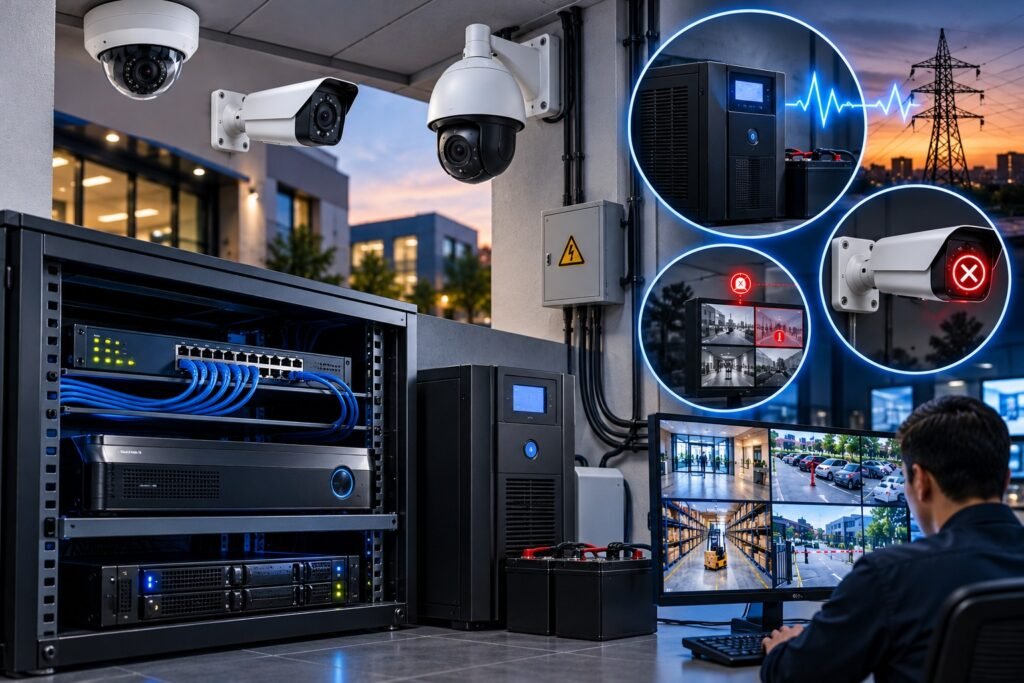
A CCTV system is only useful when the required equipment is working and recording correctly.
During planning, identify the power requirements for cameras, PoE switches, recorders, monitors, and network equipment.
Consider backup power
A suitable uninterruptible power supply (UPS) can help keep critical equipment running during short power interruptions and provide time for a controlled shutdown where necessary.
Calculate the total load and required backup runtime before selecting a UPS. Camera power consumption, infrared illumination, switch capacity, and recorder requirements should all be considered.
If a site experiences frequent or extended outages, discuss additional backup arrangements with a qualified installer.
Reduce single points of failure
Consider what happens if the recorder fails, a network switch stops working, or a camera becomes disconnected.
For critical sites, suitable design choices may include spare network capacity, equipment monitoring, replacement devices, and a documented recovery procedure.
Ask whether the system can notify authorised staff when a camera goes offline, storage fails, or recording stops. Alerts can help identify faults before an incident occurs.
9. Make the System Scalable as Your Business Grows
A growing business may expand its premises, add staff, increase inventory, or open another branch. A surveillance system that meets today’s requirements may not be sufficient in a few years.
Planning for expansion early can prevent expensive redesigns.
Allow for future cameras
When designing an IP system, discuss spare PoE switch ports, network capacity, recorder channel limits, storage expansion, and available cabling routes.
For example, if you currently need twelve cameras but expect to add another six, ask the installer to consider that growth during the initial design.
You do not necessarily need to purchase every future camera immediately. Preparing the infrastructure can make later expansion easier.
Consider multi-site monitoring
Businesses with multiple premises may benefit from a central monitoring platform, provided the selected equipment and software support the required features.
Confirm whether authorised staff can view different locations through one interface, manage permissions centrally, and retrieve recordings from each branch.
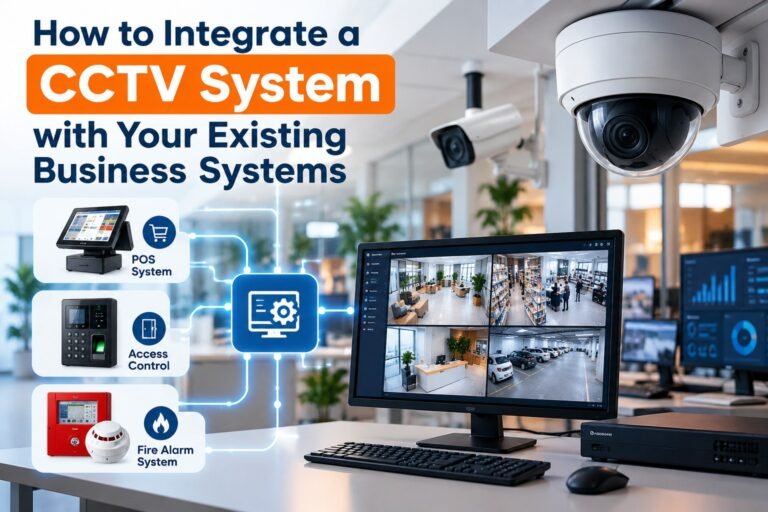
If integration with access control or other security products is planned, verify compatibility at the model and software level.
The ONVIF website explains how standardised interfaces and conformance profiles support interoperability between compatible physical security products. Always verify the exact products and profiles rather than relying solely on a general compatibility claim.
10. Set a Realistic CCTV Installation Budget
The lowest quotation may not represent the best long-term value. A complete CCTV budget should account for equipment, installation, recording, network infrastructure, ongoing maintenance, and potential expansion.
Common cost components include:
- Cameras and mounting accessories.
- NVR or DVR equipment.
- Hard drives and storage upgrades.
- Ethernet or coaxial cabling.
- PoE switches and network equipment.
- UPS and backup-power arrangements.
- Installation, configuration, and testing.
- Remote-access setup and staff training.
- Maintenance and replacement parts.
Request an itemised quotation so you can compare suppliers fairly. Ask whether prices include taxes, cable installation, drilling, conduit, configuration, and post-installation support.
Compare total cost of ownership
A less expensive camera may have limited low-light performance, shorter support availability, or fewer integration options. An apparently cheaper system may also require additional storage or network upgrades that were not included in the original quotation.
Ask suppliers to identify recurring fees for cloud storage, software licences, remote monitoring, or technical support.
A useful budget should balance affordability, reliability, and the cost of expanding the system later.
11. Protect Privacy and Follow Rwanda’s Applicable Requirements
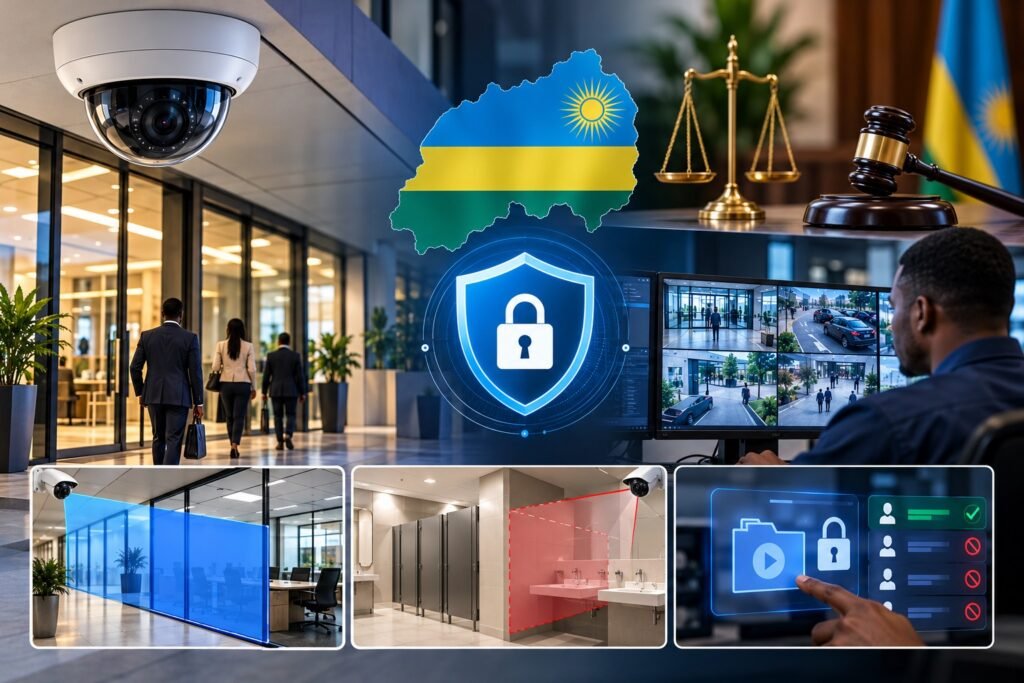
Business surveillance must be planned responsibly. Cameras can record employees, customers, visitors, delivery workers, and other identifiable individuals, so video footage may constitute personal data.
Rwanda’s Law No. 058/2021 relating to the Protection of Personal Data and Privacy provides the legal framework for protecting personal data and privacy. Businesses should review the applicable requirements before deploying or expanding CCTV surveillance.
Use cameras for legitimate purposes
Define why each camera is needed and restrict monitoring to appropriate business areas. Avoid recording bathrooms, changing rooms, or other spaces where people reasonably expect a high degree of privacy.
Where practical, position cameras to avoid unnecessary capture of neighbouring private property. Consider privacy masking when the equipment supports it.
Manage footage responsibly
Limit access to authorised personnel, protect recordings against unauthorised disclosure, and establish a documented retention schedule.
Keep footage only for as long as justified by the purpose and applicable requirements. Create a process for handling legitimate requests to access recordings and for responding to security incidents involving video data.
Review whether your organisation must register as a data controller or processor, appoint a data protection officer, or meet other obligations applicable to its activities. Requirements can depend on the nature of the processing and the organisation’s circumstances.
The Data Protection and Privacy Office of Rwanda provides official resources, guidance, and information about compliance.
Privacy should be included in the planning stage, because camera placement and recording settings can be difficult to correct after installation.
12. Choose a Qualified CCTV Installation Company in Kigali
The quality of installation can be just as important as the equipment itself. Poor cabling, unsuitable mounting, incorrect network configuration, and inadequate testing can undermine an otherwise capable system.
Look for an installer who understands commercial security requirements and can explain the proposed design clearly.
Questions to ask before hiring a supplier
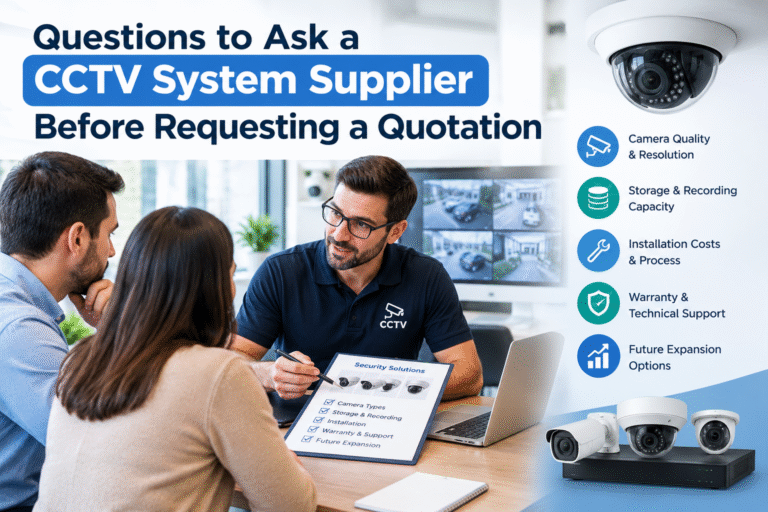
Ask prospective installers:
- Will you conduct a site survey before recommending equipment?
- How will you identify and reduce blind spots?
- What recording duration will the proposed storage support?
- Will the cameras and recorder work together as specified?
- What cybersecurity measures will be configured?
- Can the system support additional cameras in the future?
- What warranty and maintenance services are included?
- Will you provide staff training and system documentation?
- How will faults, recording failures, and offline cameras be detected?
- What privacy and data protection considerations should our business address?
Ask for a written scope of work and a clear breakdown of all costs. Confirm who will administer the system after installation and how passwords, software updates, and technical support will be managed.
You can also explore Kigali Smart Solutions for CCTV-related information when researching security options for your premises.
13. Test the System and Establish a Maintenance Schedule
Installation is not complete simply because every camera displays an image.
Before accepting the system, test each camera during daytime and low-light conditions. Check important viewing angles, recording playback, timestamps, remote access, motion alerts, and storage status.
Verify that the recorder is saving footage and that authorised users can retrieve recordings without unnecessary difficulty.
Create a maintenance checklist
A practical maintenance routine should include:
- Inspecting cameras for physical damage.
- Cleaning lenses and outdoor camera housings when appropriate.
- Checking night-time illumination and image clarity.
- Reviewing recorder health and storage alerts.
- Confirming that all cameras remain online.
- Testing UPS operation and backup arrangements.
- Installing approved firmware and security updates.
- Reviewing user accounts and access permissions.
- Testing footage retrieval and remote monitoring.
- Updating the system inventory and configuration records.
The inspection frequency should reflect the environment, system importance, and manufacturer’s recommendations.
Document any faults and corrective work. This creates a record of system health and helps identify recurring problems before they affect business security.
14. A Practical CCTV Planning Checklist for Kigali Businesses
Before approving a quotation, use the following checklist to review your proposed system.
Security and coverage
- Have all important entrances, exits, and high-risk areas been identified?
- Are camera positions suitable for the intended level of detail?
- Have blind spots, lighting conditions, and obstructions been assessed?
Equipment and performance
- Are indoor and outdoor cameras appropriate for their locations?
- Have resolution, night vision, and WDR requirements been considered?
- Are the cameras, recorder, and other devices compatible?
Recording and infrastructure
- Is the required retention period clearly specified?
- Has storage been calculated using realistic recording settings?
- Are network capacity, cabling, and backup power adequate?
Cybersecurity and privacy
- Are strong passwords and secure remote access configured?
- Are software updates and access permissions managed?
- Have applicable privacy, registration, and data-handling obligations been reviewed?
Future growth and support
- Can the system be expanded without major redesign?
- Are warranties, maintenance, and technical support documented?
- Has the installer tested the complete system and provided training?
Completing these checks makes it easier to compare quotations and identify gaps before installation begins.
Planning a reliable surveillance system requires more than choosing cameras with attractive specifications. Growing businesses in Kigali need to consider their security objectives, camera placement, image quality, recording capacity, network performance, power reliability, cybersecurity, privacy, and future expansion.
A structured CCTV system planning guide helps business owners make informed decisions, reduce avoidable installation mistakes, and invest in a system that supports their actual operational needs.
Start with a site assessment, prioritise critical areas, compare complete system designs, and request a detailed quotation from a qualified installer. Ensure the finished system is tested properly and supported by a practical maintenance plan.
By planning ahead, your business can develop a CCTV solution that grows with its premises, supports day-to-day management, and provides dependable security monitoring over the long term.
For further information about CCTV solutions and security system options, visit Kigali Smart Solutions and discuss your site’s requirements with a qualified security professional.