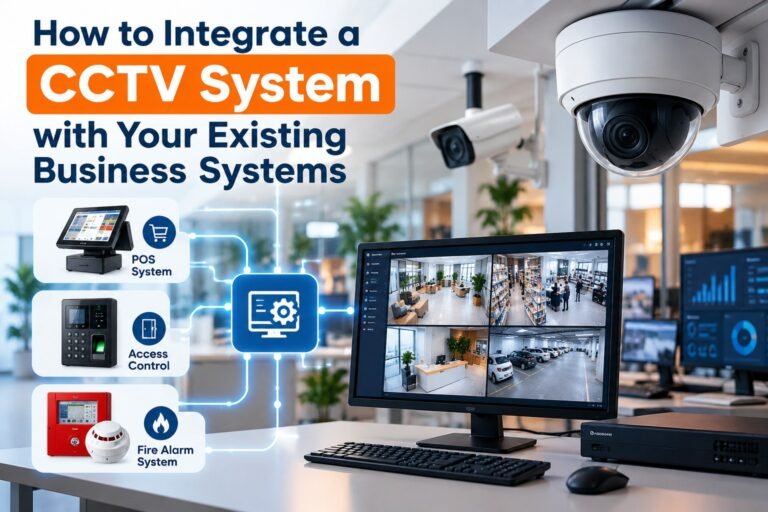
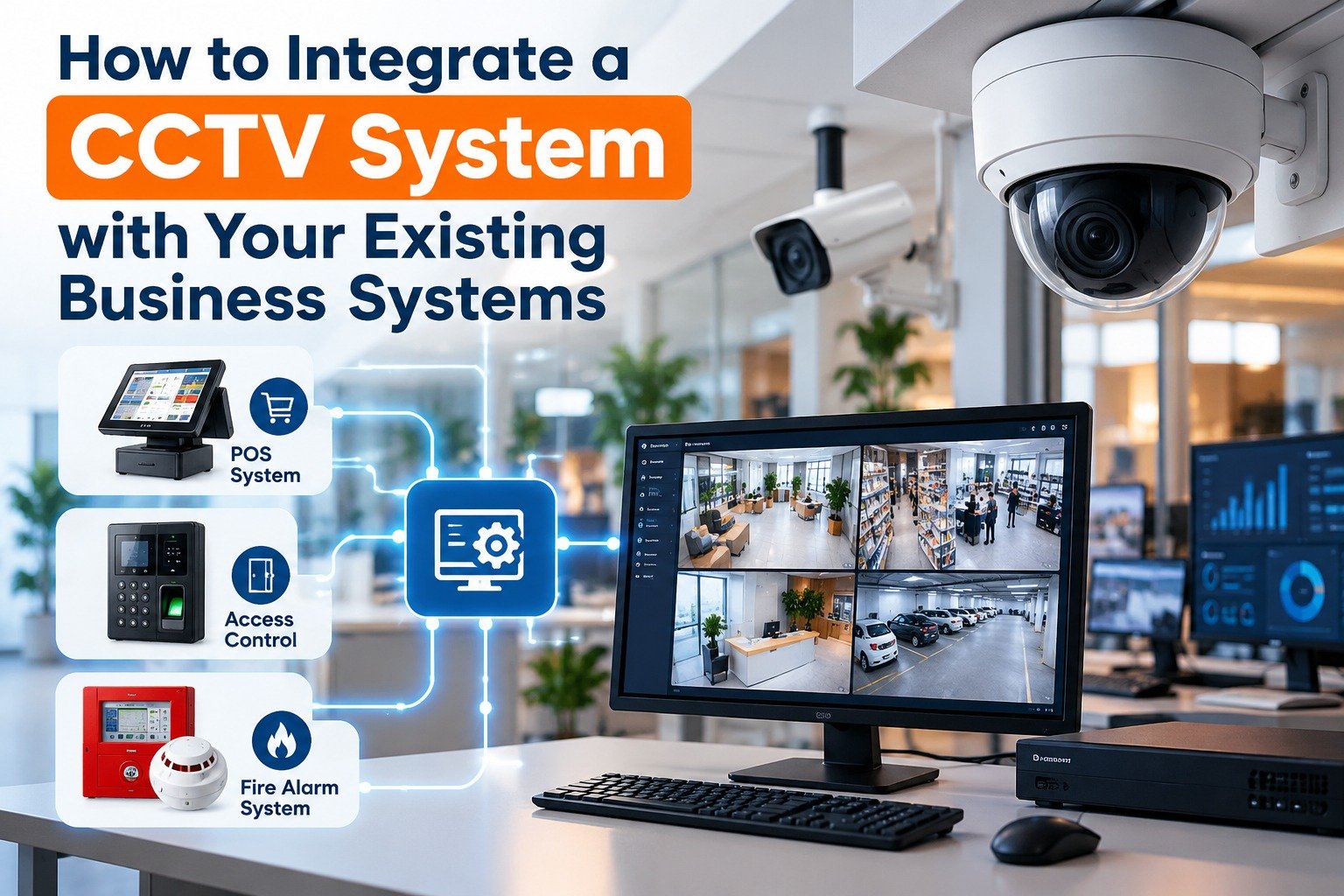
How to Integrate a CCTV System With Your Existing Business Systems
A modern business depends on multiple systems to manage security, employees, sales, inventory, customer service, and daily operations. However, when these systems operate independently, it can become difficult to investigate incidents, identify operational problems, and respond quickly to unexpected events.
Integrating video surveillance with existing business technology can help organizations connect security footage with relevant operational information. For example, a retail manager may review a recorded transaction alongside the corresponding camera footage, while an office administrator may check video associated with an access-control event.
CCTV system integration helps businesses bring compatible security and operational technologies together to improve visibility, simplify investigations, and support better decision-making. The right approach depends on the organization’s existing infrastructure, security requirements, budget, and privacy obligations.
This guide explains how businesses can connect CCTV cameras and recording equipment with access-control systems, point-of-sale software, alarm systems, business applications, and other essential technologies.
What Is CCTV System Integration?
CCTV integration is the process of connecting a video surveillance system with other compatible hardware, software, networks, or business applications so that they can exchange relevant information or work together.
A traditional CCTV installation may operate independently, requiring staff to open a separate application to view recordings. An integrated solution can make related information easier to access from a shared interface or through coordinated alerts.
For example, when an employee uses an access card to enter a restricted room, an integrated system may record the access event and associate it with footage from a nearby camera. If a security alarm activates, the software may display the camera view covering that location.
The exact capabilities depend on the equipment, software licenses, communication protocols, and integration method.
Businesses may integrate surveillance with:
- Access-control and employee entry systems.
- Point-of-sale (POS) and retail management software.
- Intrusion detection and alarm systems.
- Inventory and warehouse management applications.
- Building management systems.
- Business intelligence and reporting platforms.
- Cloud-based monitoring and notification services.
The objective is not simply to connect more devices. It is to make useful information available to authorized staff at the right time.
Why Should Businesses Integrate Existing CCTV Systems?
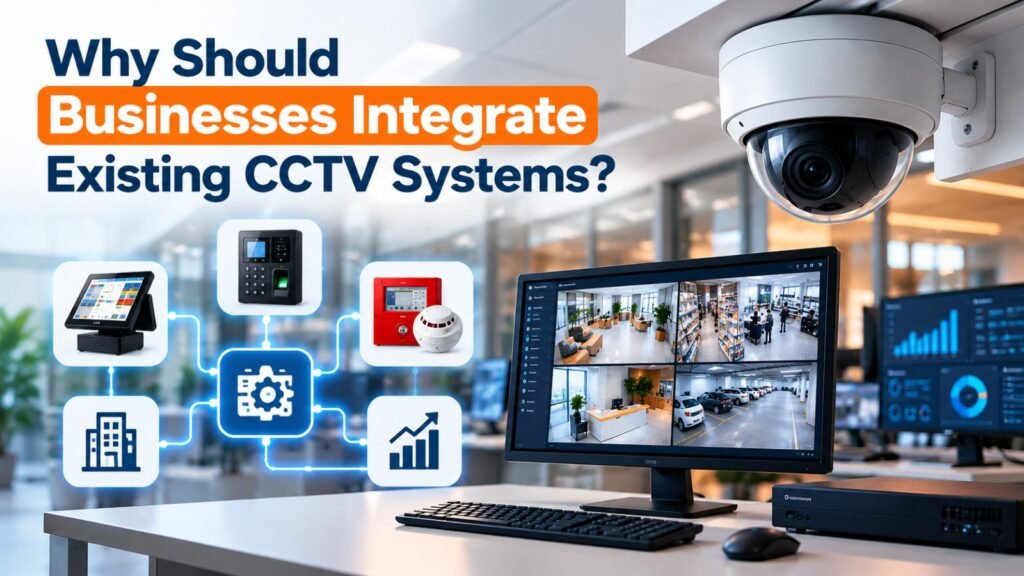
Many organizations already have cameras, network video recorders (NVRs), digital video recorders (DVRs), and monitoring software installed. Replacing everything may be unnecessary if the existing equipment can support the required integrations.
A carefully planned CCTV system integration project can provide several operational advantages.
1. Faster Incident Investigation
When a business experiences theft, unauthorized entry, a disputed transaction, or a workplace incident, staff often need to compare information from different systems.
Integration can help authorized users locate relevant recordings using timestamps, transaction references, alarm events, or access logs. This can reduce the time spent searching through hours of footage.
2. Better Operational Visibility
Managers can gain a clearer understanding of what is happening across entrances, sales areas, loading bays, warehouses, and other important locations.
When video is connected to suitable operational data, it may help staff investigate queue congestion, delivery discrepancies, or recurring security issues.
3. More Efficient Security Monitoring
A shared interface can reduce the need to switch between multiple applications. Depending on the platform, staff may receive an alert and immediately open the corresponding camera view.
4. Improved Use of Existing Equipment
If current cameras and recorders are compatible, businesses may be able to retain much of their existing infrastructure while adding selected integrations.
5. More Informed Decision-Making
Relevant video and operational records can help managers investigate patterns, identify process weaknesses, and decide where additional security measures or staff training may be necessary.
These benefits depend on good system design, reliable data, trained users, and clear operating procedures. Integration does not automatically prevent theft or eliminate operational errors.
Step 1: Assess Your Existing Business Systems
Before purchasing new equipment or integration software, document the systems your organization already uses.
Start with the CCTV installation. Identify the camera models, recorder types, firmware versions, network connections, recording formats, and current video management software. Determine whether cameras are analog, IP-based, or part of a hybrid installation.
Next, review the other business systems that may need to exchange information with the surveillance platform.
Your assessment should include:
- Access control: Card readers, electronic locks, entry logs, and visitor management.
- Sales systems: POS terminals, payment records, receipt information, and transaction timestamps.
- Alarm systems: Door contacts, motion detectors, panic buttons, and intrusion alerts.
- Business software: Inventory tools, warehouse applications, staff management systems, and reporting dashboards.
- IT infrastructure: Network switches, servers, internet connectivity, firewalls, and storage capacity.
Document the purpose of each proposed connection. For example, a warehouse may need to associate loading-bay camera footage with delivery records, while a small retail store may only require video linked to POS transaction times.
A clear assessment helps determine whether the business needs a simple software connection, a dedicated integration platform, or a more extensive upgrade.
Step 2: Check Compatibility and Integration Standards
Compatibility is one of the most important considerations when connecting existing equipment.
Two devices may both be marketed as IP security products but still lack support for the particular functions you want to use together. A camera might provide a video stream but not expose all its analytics, event data, or configuration options to third-party software.
For IP-based video products, review the specifications and documentation provided by the manufacturer. The ONVIF official website explains interoperability standards used in the physical security industry.
Check the following before proceeding:
- Whether the camera and recorder support the required interoperability profiles.
- Whether the video management software supports your exact device models.
- Whether an API or software development kit (SDK) is available.
- Whether the proposed integration requires additional licenses.
- Whether the systems can exchange accurate timestamps and event information.
- Whether the manufacturer supports the intended configuration.
Even when products share an industry standard, individual features may not be interoperable. Verify the specific capabilities required for your project rather than relying on a general compatibility claim.
For complex installations, consult an experienced integrator who can test the proposed connection before it is deployed across the entire site.
Step 3: Integrate CCTV With Access-Control Systems
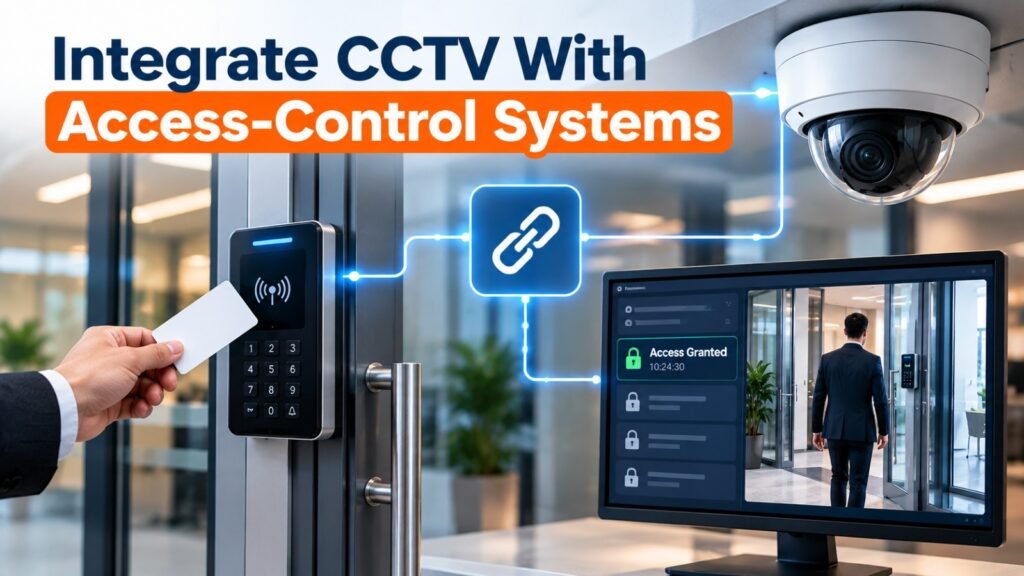
Access-control integration is especially useful for offices, warehouses, commercial buildings, healthcare facilities, and locations containing restricted areas.
An access-control system manages who can enter a particular location and when entry is permitted. CCTV provides visual information that can help authorized personnel investigate relevant events.
When these systems are connected, staff may be able to view access logs alongside video recorded near the corresponding door or entrance.
How the integration works
A typical workflow follows these steps:
- An employee presents an authorized card or credential to a door reader.
- The access-control software records the event and its timestamp.
- The integration platform receives the event, where supported.
- The platform identifies the relevant camera and time period.
- An authorized operator reviews the associated live view or recording.
The same approach may help investigate denied access attempts, doors left open, or unexpected activity near restricted areas.
For example, a warehouse manager investigating an unauthorized entry can compare the door’s access history with available video footage to establish what occurred.
Businesses should also consider what happens when a connection fails. Door access must continue to follow the organization’s approved safety and security procedures rather than relying entirely on the availability of the CCTV software.
For additional guidance, consult the US government’s Physical Access Control Systems resource.
Step 4: Connect CCTV With POS and Retail Management Software
Retail stores, supermarkets, restaurants, and other customer-facing businesses may benefit from linking camera recordings with point-of-sale information.
A POS system records sales, refunds, voided transactions, discounts, and other activities. When supported by an integration, relevant transaction events can be associated with camera footage covering the checkout area.
Practical retail applications
A manager investigating a disputed refund could locate the transaction in the POS application and review the corresponding footage, subject to appropriate access permissions.
Other possible uses include:
- Investigating transaction discrepancies.
- Reviewing unusual refund or void patterns.
- Examining incidents at checkout counters.
- Comparing delivery or stock-handling events with available recordings.
- Investigating customer complaints involving a particular time or location.
For example, if a retailer identifies repeated discrepancies at one checkout counter, the manager may compare transaction records with relevant recordings to determine whether a procedural issue needs further investigation.
However, video alone does not establish that an employee or customer has committed wrongdoing. Differences in timestamps, incomplete footage, camera blind spots, and legitimate business explanations must be considered.
Protect payment and customer information
Integration should avoid collecting unnecessary payment details or exposing sensitive customer information in video overlays and reports.
Use transaction identifiers and timestamps wherever possible instead of copying full payment-card details into the surveillance platform. Restrict access to financial records and video according to job responsibilities.
For businesses using cloud-based POS services, verify that the proposed integration is supported by both the POS provider and the CCTV software vendor.
Step 5: Link CCTV With Alarm and Intrusion Detection Systems
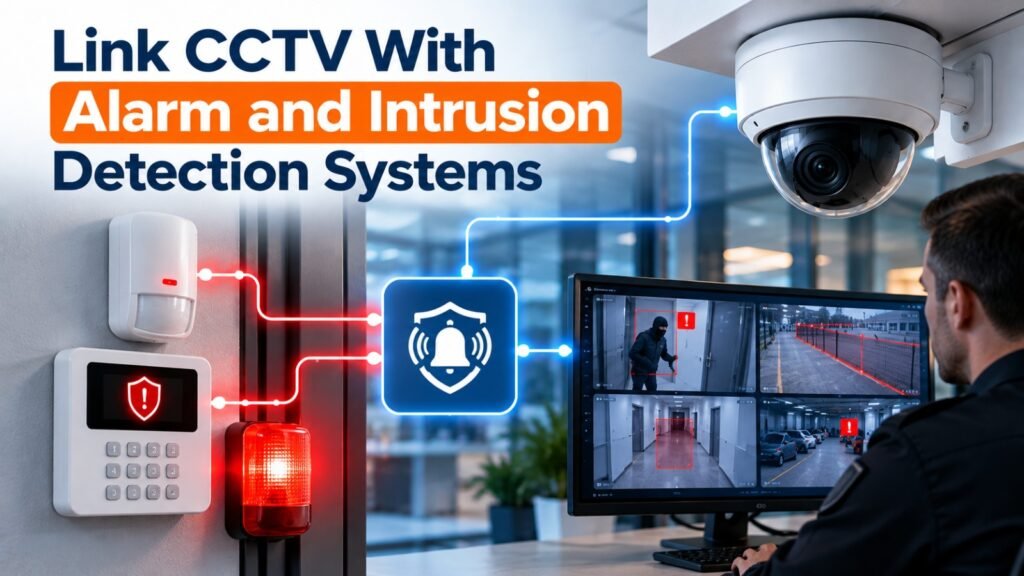
Connecting video surveillance with alarm systems can help security staff investigate alerts more efficiently.
Without integration, an alarm may identify a zone or sensor but provide limited information about what is happening at that location. A connected platform may display the relevant camera view when a supported sensor activates.
Examples include:
- A door contact detects an unexpected opening.
- A motion detector triggers an alert in a restricted area.
- A perimeter sensor detects possible unauthorized entry.
- An approved panic button generates a security notification.
The integration software can associate each event with the relevant camera and recording, allowing staff to assess the situation more quickly.
In larger facilities, a supported system may also direct a pan-tilt-zoom camera toward a predefined position. This functionality must be configured carefully because moving a camera can leave another area temporarily outside its view.
The Royal Canadian Mounted Police CCTV systems guide discusses the relationship between surveillance, access management, and intrusion detection.
Businesses should establish clear procedures for verifying alarms, contacting security personnel, escalating emergencies, and documenting incidents. Automated alerts should support human decision-making rather than replace it.
Step 6: Integrate CCTV With Inventory and Warehouse Management
Warehouses and distribution facilities often use inventory management systems, barcode scanners, warehouse management software, and delivery records.
Connecting selected operational events with surveillance footage can help investigate discrepancies involving receiving, picking, packing, dispatch, and stock movement.
For example, if a delivery record shows that a shipment arrived at 10:30 a.m., an authorized employee may use that timestamp to locate footage covering the loading bay during the delivery window.
Potential applications include:
- Reviewing loading and unloading activities.
- Investigating damaged goods.
- Checking discrepancies between dispatch records and physical handling.
- Examining incidents in high-value storage areas.
- Reviewing access to restricted stock locations.
A practical implementation may begin with a shared timestamp and event reference rather than a complicated two-way software connection.
If the warehouse management system offers an API, a developer may be able to create a dashboard that links operational records to a video management platform. The exact design depends on the available documentation, permissions, and software capabilities.
Keep in mind that a camera does not automatically identify every item, confirm inventory quantities, or establish responsibility for missing goods. Those tasks may require barcode scans, documented handling procedures, physical stock checks, or additional technology.
Step 7: Connect CCTV With Building Management Systems
Commercial buildings may use building management systems (BMS) to monitor lighting, heating, ventilation, air conditioning, energy consumption, and other building services.
Integrating selected building events with CCTV can help maintenance teams investigate unusual conditions or assess incidents in equipment areas.
For example, if a monitored equipment room reports an environmental alarm, authorized staff may review a nearby camera to assess whether visible conditions warrant further investigation.
Other possible applications include:
- Reviewing access to plant rooms and utility spaces.
- Investigating alarms in server rooms.
- Checking loading-bay activity during scheduled deliveries.
- Supporting incident assessment in parking facilities.
- Coordinating maintenance and security responses.
Such connections must be designed carefully. CCTV should generally provide monitoring information without automatically controlling critical building functions unless that control has been specifically assessed, approved, and safely engineered.
A failure or compromise in one connected system should not create an unsafe condition in another. Consult qualified building-system and security professionals when integration involves essential infrastructure.
Step 8: Choose the Right Integration Method
There is no single method that suits every business. The right approach depends on the equipment, software capabilities, number of sites, and desired workflow.
Common integration methods
| Method | How it works | Best suited for |
|---|---|---|
| Native integration | Built-in features connect supported products | Businesses using compatible equipment from supported vendors |
| API integration | Software applications exchange data through documented interfaces | Custom dashboards, POS connections, and business applications |
| Middleware | An integration platform connects systems that do not communicate directly | Businesses using several different software products |
| Video management software (VMS) | A central platform manages video and supported integrations | Multi-camera sites and centralized monitoring |
| Event-based integration | An event triggers an alert, camera view, or predefined workflow | Access-control events, alarms, and operational notifications |
A native integration is often the simplest option when the required functionality is already supported.
API integration may provide more flexibility, but it requires development, testing, maintenance, and appropriate security controls. Middleware can reduce the need to build separate connections between every application, although it introduces another component that must be maintained.
When evaluating vendors, ask for a demonstration using your actual equipment and a realistic business scenario. Confirm any recurring software fees, technical limitations, and ongoing support requirements before approving the project.
Step 9: Secure the Integrated CCTV Network
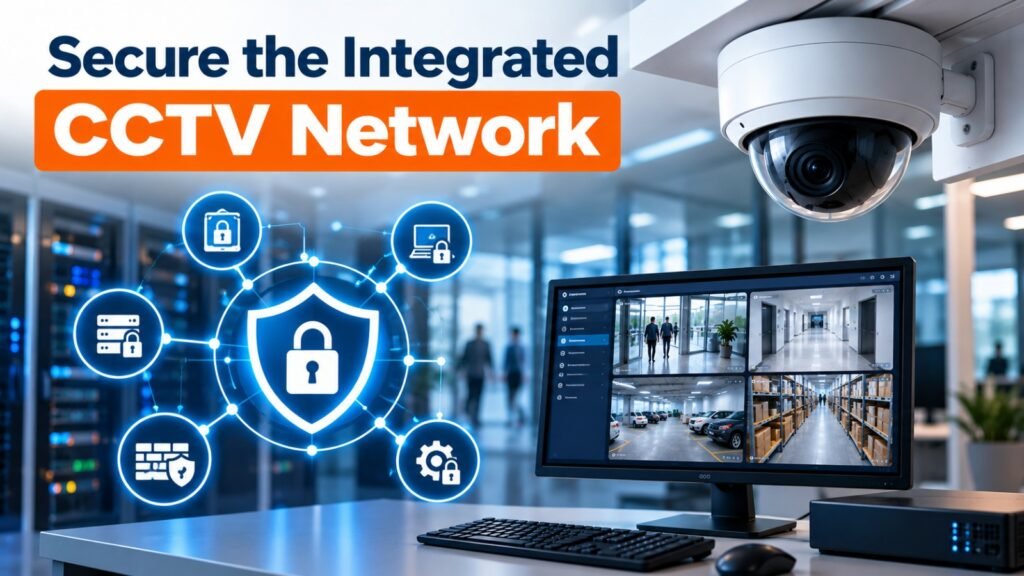
Connecting CCTV to business applications creates additional communication paths, accounts, and software dependencies. These connections can improve efficiency, but they may also introduce cybersecurity risks if they are not properly protected.
The UK’s National Protective Security Authority (NPSA) explains why organizations should assess the risks associated with network-connected security technologies.
During a CCTV system integration project, apply security controls to cameras, recorders, integration servers, and the business applications that exchange information with them.
Essential cybersecurity practices
Use strong authentication. Replace default passwords, use unique credentials, and enable multifactor authentication where supported.
Apply least-privilege access. Give each user and integration account only the permissions required for its duties. A reporting application should not automatically receive administrative control over cameras or door locks.
Segment the network. Where appropriate, place surveillance equipment on a dedicated network or VLAN and restrict communication to approved devices and services.
Keep software updated. Apply supported firmware and security updates after appropriate testing and maintenance planning.
Encrypt communications. Use secure protocols and encryption where supported, particularly for remote access and connections carrying sensitive information.
Monitor system activity. Review authentication events, configuration changes, failed connection attempts, and unexpected network traffic.
Control remote access. Avoid exposing cameras and recorders directly to the public internet. Use an approved, securely configured remote-access method, such as a business VPN, when remote access is necessary.
The NIST Guide to Operational Technology Security provides broader guidance for protecting interconnected systems and managing security risks.
For businesses handling sensitive operational data, cybersecurity reviews should involve the IT team, security personnel, and relevant software providers. Integration accounts and connections should be documented so that they can be reviewed, disabled, or replaced when no longer required.
Step 10: Protect Privacy and Control Access to Recordings
Integrated surveillance may combine video with employee access records, transaction histories, visitor information, and other business data. This makes privacy planning an important part of the implementation.
Before connecting systems, identify what information will be collected, why it is needed, who can access it, and how long it should be retained.
Consider the following measures:
- Limit recording and monitoring to legitimate business purposes.
- Avoid unnecessary surveillance of private areas.
- Restrict access to identifiable video and sensitive business records.
- Define retention and deletion procedures according to applicable requirements.
- Maintain audit logs for access to recordings and exported footage.
- Inform employees and visitors about surveillance where required.
- Review local laws governing employee monitoring, data protection, and audio recording.
For example, a retail business may need footage to investigate security incidents without requiring managers to continuously monitor individual employees’ routine activities.
If the integration uses facial recognition, automated identity matching, or other advanced analytics, assess the additional privacy, accuracy, and legal implications before deployment.
An effective CCTV system integration plan should document privacy responsibilities alongside technical requirements. This helps ensure that operational convenience does not lead to unnecessary data collection or inappropriate access.
Step 11: Test the Integration Before Going Live
A connection that works during a demonstration may behave differently under normal business conditions. Testing helps reveal compatibility problems, network delays, incorrect timestamps, and workflow failures before they affect daily operations.
Develop a test plan based on the business scenarios the integration is intended to support.
What should you test?
Device compatibility: Confirm that the relevant cameras, recorders, sensors, and software exchange the required information.
Event accuracy: Generate sample access events, alarms, or transactions and confirm that the correct camera and recording are associated with each event.
Timestamp consistency: Check that connected systems use synchronized clocks and appropriate time-zone settings.
Network performance: Confirm that the integration does not cause unacceptable video delays, dropped recordings, or performance problems in other business applications.
User permissions: Test each role to verify that users can access permitted functions but cannot view or change restricted information.
Failure handling: Disconnect a test component or simulate a supported connection failure. Confirm that the system reports the problem and follows documented fallback procedures.
Recovery and retention: Verify that recordings remain available for the required period and that relevant evidence can be exported securely.
During a CCTV system integration rollout, test one location or workflow first whenever practical. Resolve any issues before extending the configuration across additional sites.
Document the test results, outstanding problems, responsible personnel, and approval for deployment.
Why CCTV System Integration Matters for Businesses
CCTV system integration helps businesses connect their surveillance cameras with existing security and operational systems. By integrating a CCTV system with access control, alarm systems, visitor management software, and building management platforms, businesses can improve security monitoring and streamline daily operations.
Key Benefits of CCTV System Integration
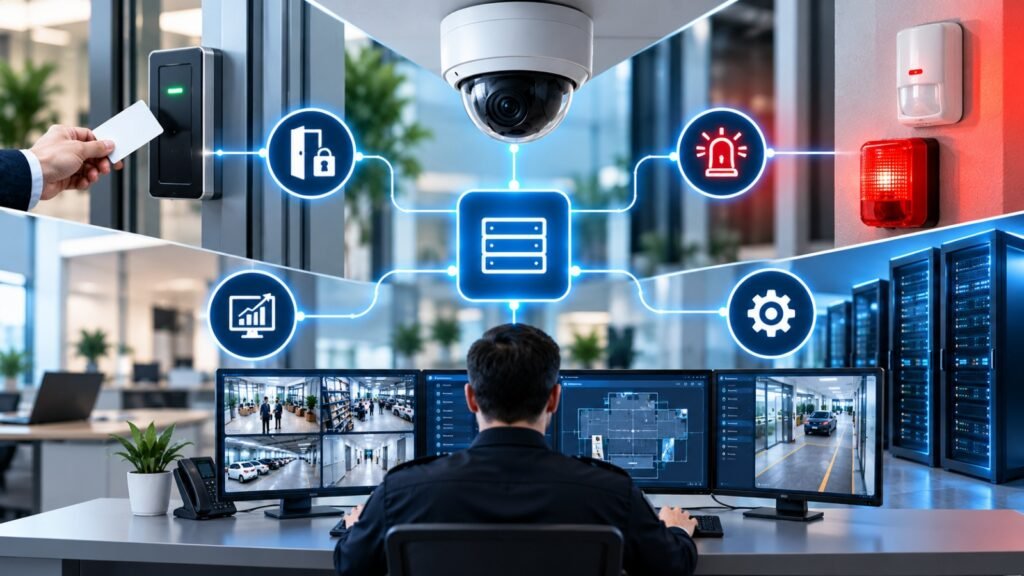
A properly planned CCTV system integration solution allows security teams to monitor video footage alongside other business systems. Integrating a CCTV system with access control can help verify entry events, while connecting CCTV with alarm systems can help operators review video when an alert occurs.
Steps to Integrate CCTV with Existing Business Systems
Before starting a CCTV system integration project, check compatibility between your cameras, NVR or DVR, network infrastructure, and business software. Confirm that the devices support the required protocols and interfaces. Test each connection carefully to ensure the integrated CCTV system works reliably with your existing business systems.
Choosing the Right CCTV Integration Solution
The best CCTV system integration approach depends on your business requirements, existing equipment, cybersecurity policies, and future expansion plans. Work with a qualified installer to check compatibility, configure secure access, and test the complete system before deployment.
Step 12: Train Employees and Establish Maintenance Procedures
Even a technically successful integration can fail to deliver value if employees do not understand how to use it.
Train security staff, managers, IT personnel, and other authorized users according to their responsibilities. Training should cover how to find footage, investigate linked events, respond to alerts, protect exported recordings, and report system problems.
Create straightforward procedures for common situations, including:
- Investigating a disputed transaction.
- Reviewing an unauthorized access alert.
- Finding footage for a reported incident.
- Reporting a camera or integration failure.
- Granting and revoking user access.
- Exporting recordings for an authorized investigation.
Assign responsibility for software updates, camera maintenance, account reviews, storage monitoring, backups where appropriate, and vendor support.
A scheduled maintenance plan should also check whether changes to the POS software, access-control platform, network, or operating system affect the existing integration.
Businesses should periodically review whether the system continues to meet operational needs. As the organization grows, new locations and applications may require changes to storage, licensing, network capacity, or integration architecture.
Common Challenges in CCTV Integration and How to Solve Them
Several issues can arise when combining surveillance with existing business systems.
| Common challenge | Practical solution |
|---|---|
| Incompatible devices | Verify model-specific compatibility and required features before purchasing |
| Different timestamps | Synchronize clocks and review time-zone settings |
| Network congestion | Assess bandwidth, recording traffic, and network capacity |
| Missing video events | Test event triggers, permissions, and software configurations |
| High integration costs | Prioritize essential workflows and introduce additional features in stages |
| Security vulnerabilities | Apply network segmentation, access restrictions, updates, and monitoring |
| Confusing user interfaces | Provide role-specific training and simplify common workflows |
| Vendor dependency | Request documentation, export options, support commitments, and an exit plan |
One common mistake is trying to connect every available business application immediately. A phased approach usually makes it easier to control costs, resolve compatibility issues, and demonstrate measurable value.
For example, a small retailer might start by linking checkout events with nearby camera recordings. Once that workflow is reliable, the business can assess whether access-control or inventory integration would deliver additional benefits.
How Much Does CCTV System Integration Cost?
The cost depends on the number of connected devices, software capabilities, installation requirements, and complexity of the desired workflow.
A small business with compatible cameras and POS software may only need a supported software license or a simple API connection. A multi-site organization may require integration servers, additional storage, custom development, cybersecurity assessments, and centralized management tools.
The main cost factors include:
- Hardware upgrades: Cameras, recorders, network switches, servers, or storage devices.
- Software licensing: VMS subscriptions, API access, integration modules, and user licenses.
- Development work: Custom dashboards, event processing, and connections between applications.
- Installation and configuration: Network setup, device registration, testing, and commissioning.
- Training and support: Employee training, software maintenance, troubleshooting, and vendor assistance.
Before approving a budget, request an itemized quotation that separates initial implementation costs from recurring expenses.
A well-planned CCTV system integration project should focus on business value rather than adding features that staff rarely use. Start with the workflows that solve the most important operational problems, then expand as the organization gains experience.
Best Practices for a Successful CCTV Integration Project
Use these recommendations as a practical checklist before starting your project.
- Document your existing cameras, recorders, software, and network equipment.
- Identify the business applications that would benefit from connected video.
- Confirm compatibility and licensing requirements with the relevant vendors.
- Define the expected outcomes and measurable success criteria.
- Assess network capacity, cybersecurity risks, and privacy requirements.
- Choose a suitable integration method.
- Test the connection using real-world scenarios.
- Train employees and document incident-handling procedures.
- Schedule maintenance and periodic security reviews.
- Review performance and plan future improvements.
These steps provide a structured foundation for a reliable implementation. A qualified security integrator can help assess technical requirements, while your IT team can review network architecture, application security, and ongoing maintenance.
Frequently Asked Questions
Can I integrate my existing CCTV cameras with business software?
Yes, in many cases. The available options depend on camera and recorder compatibility, software support, APIs, and communication protocols. Some installations may need updated recording equipment or an additional integration platform.
Can CCTV connect with an existing POS system?
Yes, if the POS and video management platforms support a suitable connection. Depending on the implementation, authorized users may be able to associate transaction timestamps or event identifiers with relevant recordings.
Is CCTV integration possible without replacing all the cameras?
Yes. An existing installation may support additional integrations if its equipment and software provide the necessary interfaces. A technical assessment can identify which components can be retained.
Does integrating CCTV improve business security?
It can improve incident visibility and help staff investigate alarms, access events, and operational discrepancies. However, effective security also requires suitable camera coverage, trained personnel, appropriate policies, and reliable cybersecurity controls.
How long does an integration project take?
The timeline depends on the number of systems, compatibility, site size, software development requirements, and testing needs. A straightforward supported connection may be relatively quick, while a multi-site custom project may require considerably more planning and implementation.
Connecting video surveillance with existing business applications can help organizations improve incident investigation, coordinate security responses, and make operational information easier to access. From POS transactions and inventory records to access-control events and intrusion alarms, the right connections can make existing technology more useful.
Successful CCTV system integration begins with a clear assessment of current equipment, realistic business objectives, and verified compatibility. Cybersecurity, privacy, testing, employee training, and ongoing maintenance should remain central throughout the project.
Rather than connecting every application at once, start with one high-value workflow, test it thoroughly, and expand when the benefits are clear. With careful planning and appropriate technical support, businesses can build a more connected and manageable security environment without automatically replacing their entire