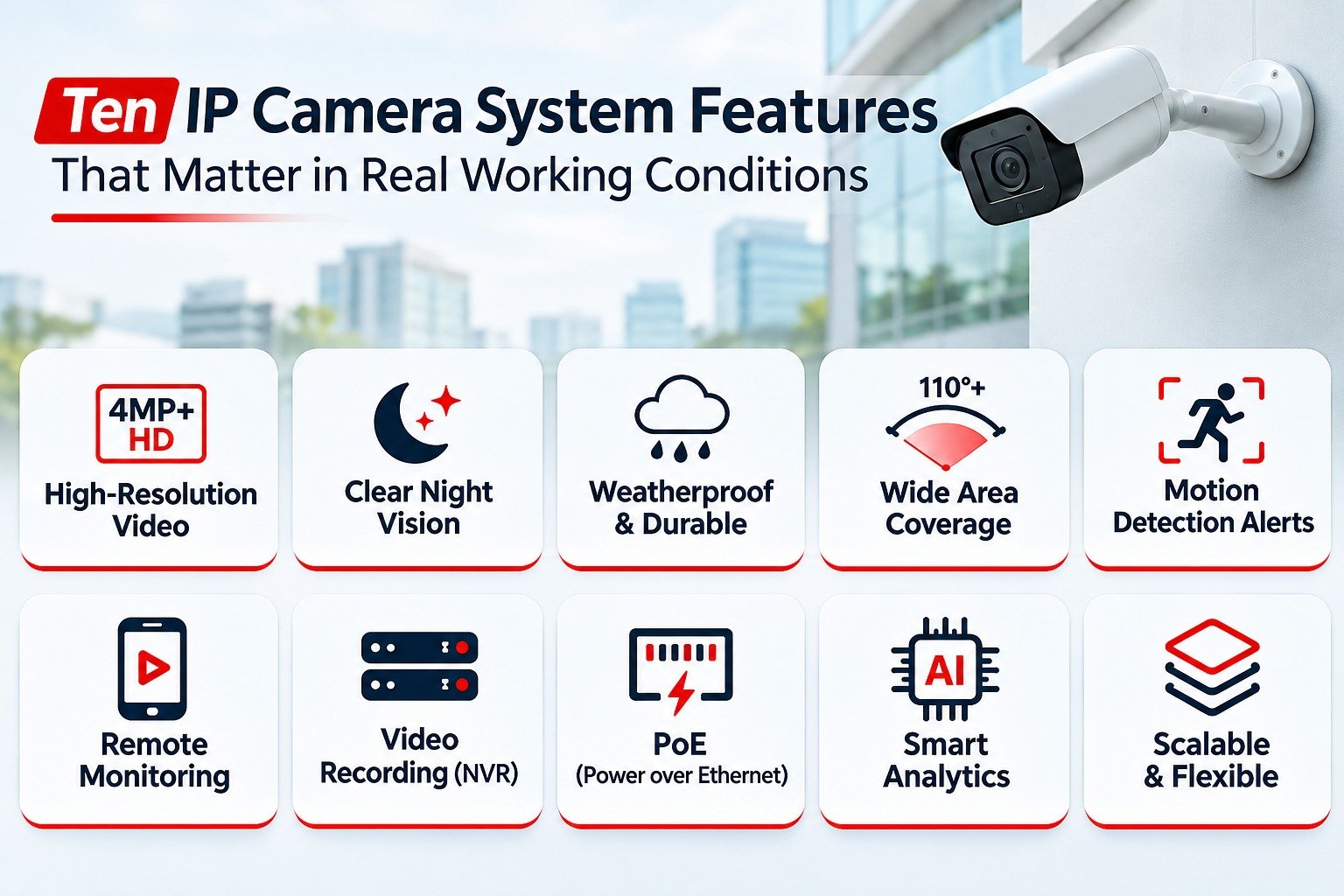
Ten IP Camera System Features That Matter in Real Working Conditions
Choosing a surveillance system is not simply about buying cameras with the highest resolution or the latest technology. A security camera may look impressive in a product catalogue, but its real value depends on how well it performs in everyday environments. Businesses, offices, warehouses, schools, retail stores, factories, and residential properties all have different security challenges.
A reliable surveillance solution must deliver clear video, operate continuously, handle changing lighting conditions, protect recorded footage, and provide easy access when security incidents occur. These requirements make selecting the right technology an important part of any security planning process.
Understanding the most important IP camera system features helps property owners, security managers, IT professionals, and installers make better purchasing decisions. Instead of focusing only on marketing specifications, they can evaluate how each feature contributes to real-world security performance.
In this guide, we explore ten important features that make an IP camera system more dependable, practical, and effective in daily operation.
1. High-Resolution Video for Clear Identification
Video resolution is one of the first specifications buyers consider when selecting surveillance cameras. Resolution determines how much visual detail a camera can capture, which can make a significant difference when reviewing incidents.
A camera with higher resolution may help security personnel identify faces, clothing, vehicle details, objects, and activities more clearly. However, resolution alone does not guarantee excellent image quality.
For example, a high-resolution camera installed too far from its monitoring area may still produce footage that is difficult to use for identification. Similarly, poor lighting, incorrect lens selection, motion blur, or improper camera positioning can reduce the quality of recorded images.
Why resolution matters in real environments
High-resolution cameras are especially useful in locations where detailed observation is necessary, including:
- Retail entrances and checkout counters.
- Office reception areas.
- Parking facilities.
- Warehouse loading zones.
- Building entrances.
- Cash-handling locations.
- Manufacturing and production areas.
A camera’s resolution should be selected according to the monitoring distance and the level of detail required. A wide-angle camera covering a large space may be suitable for general observation, while a camera focused on a specific entrance may require more detail for identification.
When evaluating IP camera system features, buyers should also consider frame rate, image sensor quality, lens focal length, compression technology, and available storage.
The goal is not simply to purchase the highest resolution available. The goal is to capture useful video evidence in the locations where it matters most.
2. Strong Low-Light and Night Vision Performance
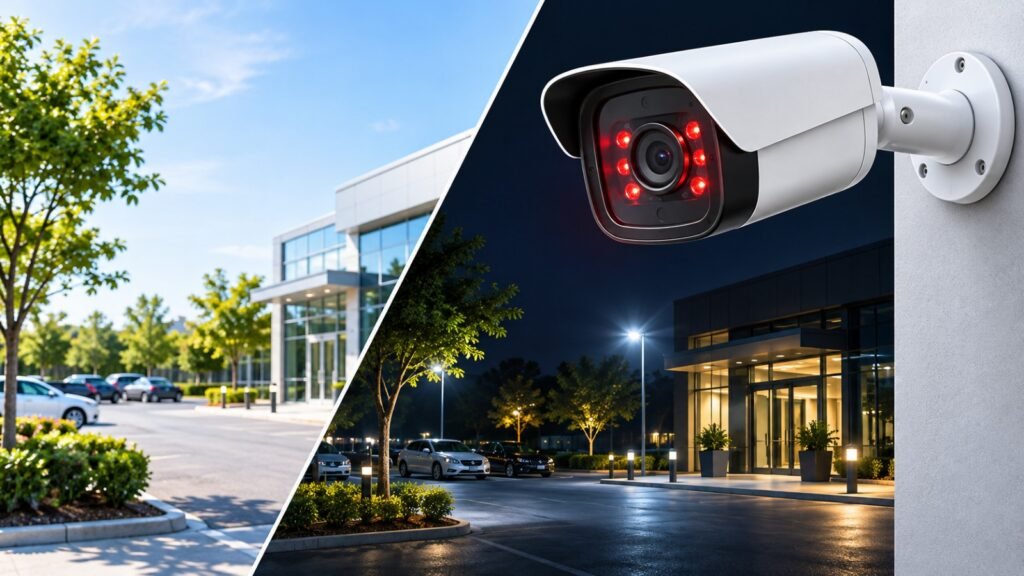
Many security incidents happen during nighttime, early morning, or in poorly illuminated areas. A camera that performs well during daylight may produce dark, noisy, or unclear footage when lighting conditions change.
Low-light performance is therefore an essential feature of a practical surveillance system.
Modern IP cameras may include infrared illumination, advanced image sensors, wide dynamic range, low-light processing, or color night vision technology. These technologies help cameras maintain visibility when natural or artificial lighting is limited.
What makes night vision effective?
A good night surveillance camera should provide:
- Clear visibility in low-light environments.
- Balanced exposure without excessive brightness.
- Reduced image noise.
- Useful detail at the required monitoring distance.
- Consistent performance in complete darkness where infrared is available.
- Reliable switching between day and night modes.
Infrared cameras are commonly used for nighttime monitoring because they can capture images without visible lighting. However, infrared reflection from walls, glass, dust, insects, or nearby objects can sometimes affect image quality.
Color night vision can provide additional information, such as clothing or vehicle color, when sufficient illumination is available.
Practical installation considerations
Night performance also depends on camera placement. Avoid pointing infrared cameras directly toward reflective surfaces. Ensure that lighting sources do not create excessive glare or shadows.
For outdoor locations, consider streetlights, vehicle headlights, building lighting, and changing environmental conditions.
A surveillance system that produces clear footage throughout the day and night offers greater practical value than one that performs only under ideal daylight conditions.
3. Wide Dynamic Range (WDR) for Challenging Lighting
Lighting conditions can change dramatically within a single camera view. For example, an entrance may have a bright outdoor area and a darker indoor reception space. A camera facing a window may encounter strong sunlight while the surrounding room remains relatively dim.
Without appropriate image processing, bright areas may become overexposed while darker areas lose important details.
Wide Dynamic Range (WDR) technology helps balance these differences so that both bright and dark portions of the image remain more visible.
Where WDR is especially useful
WDR is valuable in environments such as:
- Building entrances.
- Glass doors and windows.
- Reception areas.
- Retail storefronts.
- Parking entrances.
- Corridors connected to outdoor spaces.
- Locations facing direct sunlight.
In practical conditions, WDR can improve visibility when a person enters a building from a bright outdoor area. Without suitable dynamic range, the person may appear as a dark silhouette against a bright background.
Choosing the right WDR performance
Buyers should examine real sample footage rather than relying entirely on specifications. Different manufacturers use different imaging technologies, and performance may vary between models.
True WDR, digital WDR, exposure adjustment, and other image-processing techniques may produce different results.
When evaluating IP camera system features, consider how the camera handles actual lighting conditions at the installation site. A camera that works well in a controlled showroom may perform differently near reflective surfaces, windows, or direct sunlight.
4. Weatherproof and Durable Construction
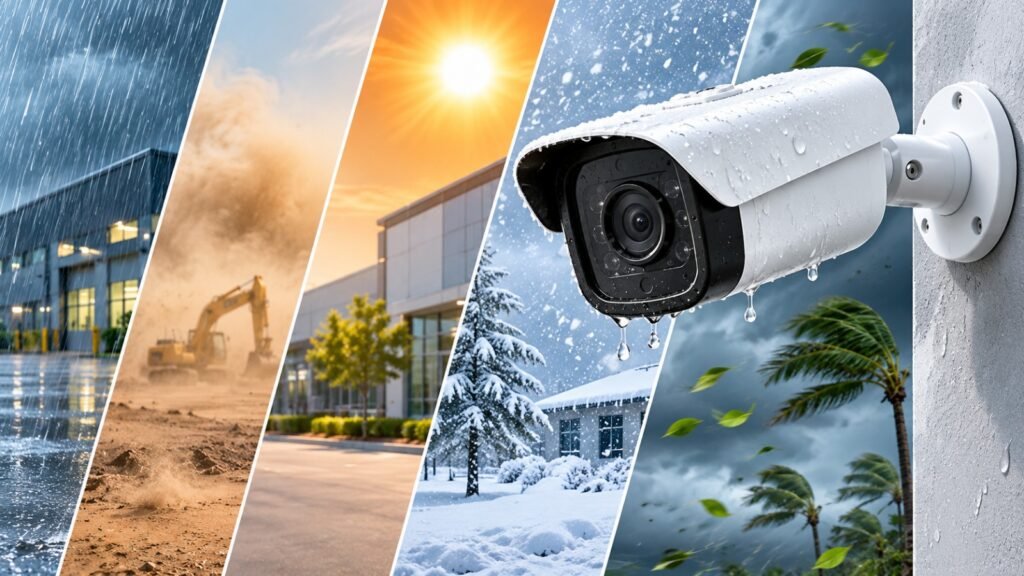
Outdoor cameras are exposed to environmental conditions that indoor cameras rarely experience. Rain, dust, humidity, heat, cold, wind, and physical vibration can affect camera performance and lifespan.
A durable camera housing helps protect internal components and maintain reliable operation.
Important environmental protection features
For outdoor surveillance, buyers should consider:
- IP-rated protection against dust and water.
- Suitable operating temperature range.
- Corrosion-resistant materials.
- UV-resistant housing.
- Secure mounting brackets.
- Appropriate cable protection.
- Protection against moisture entering connectors.
The IP rating provides information about protection against solid objects and water under standardized testing conditions.
For example, IP66-rated equipment is designed for strong dust protection and specified water exposure. However, the rating does not automatically mean a camera is suitable for every environmental condition.
Installation quality also matters. Poorly sealed cable connections, incorrect mounting, or damaged protective covers can compromise an otherwise weather-resistant camera.
Industrial and commercial applications
Warehouses, factories, outdoor parking facilities, farms, construction sites, and commercial buildings may require cameras designed for more demanding conditions.
In coastal areas, corrosion resistance may be especially important. In hot climates, operating temperature and heat management should be carefully considered.
A durable system reduces maintenance requirements and helps avoid unexpected downtime.
5. Smart Motion Detection and AI-Based Analytics
Traditional motion detection identifies changes in pixels within a camera’s image. While this feature can be useful, it may generate unnecessary alerts when trees move, headlights pass, rain falls, or insects appear near the camera.
Smart analytics improve event detection by helping cameras distinguish between different types of activity.
Depending on the camera model, intelligent detection may include human detection, vehicle detection, intrusion detection, line-crossing detection, object removal, and loitering detection.
How intelligent detection improves security
Smart detection allows security teams to focus on events that are more likely to require attention.
For example:
- A warehouse camera can alert security when a person enters a restricted zone.
- A parking camera can detect vehicles entering or leaving a designated area.
- A retail camera can monitor activity around restricted storage areas.
- An office camera can identify movement after business hours.
- A perimeter camera can notify operators when someone crosses a virtual boundary.
Instead of receiving notifications every time something moves, users can configure alerts around specific areas and events.
Important analytics features
Look for features such as:
- Human and vehicle classification.
- Intrusion detection.
- Line-crossing detection.
- Region-based monitoring.
- Loitering detection.
- Object detection.
- Camera tampering alerts.
Not every camera supports all analytics, and performance depends on installation conditions, firmware, configuration, and environmental factors.
For example, a camera facing a busy road may require carefully configured detection zones to prevent unnecessary vehicle alerts.
Smart analytics are among the most useful IP camera system features for businesses that operate large facilities or need to monitor multiple locations without constantly watching live video.
For more information about camera analytics and available technology, explore the manufacturer’s technical documentation, such as TP-Link VIGI surveillance solutions.
6. Efficient Video Compression to Reduce Storage and Bandwidth
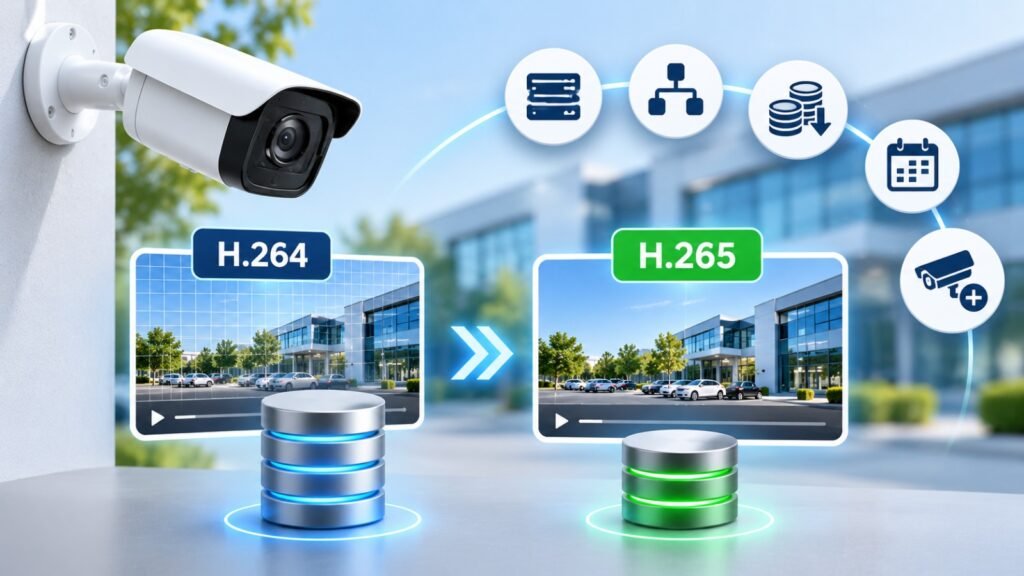
Surveillance cameras continuously produce video data. When several cameras operate simultaneously, the amount of data can become substantial.
Video compression reduces the size of recorded footage while maintaining useful image quality. This helps reduce storage requirements, network traffic, and operating costs.
Common video compression formats include H.264 and H.265.
Why compression matters
A surveillance system with multiple high-resolution cameras may require significant storage capacity. Without efficient compression, recorded footage may occupy more space and consume additional network bandwidth.
Modern compression technologies can help businesses:
- Store video for longer periods.
- Reduce storage hardware requirements.
- Improve network efficiency.
- Support more cameras on available infrastructure.
- Reduce unnecessary data transmission.
H.264 vs. H.265
H.264 remains widely supported and provides compatibility with many surveillance devices.
H.265, also known as High Efficiency Video Coding (HEVC), can provide better compression efficiency in suitable conditions. However, actual storage savings depend on the camera scene, bitrate settings, frame rate, image quality, and recording configuration.
For example, a camera recording a quiet office may require less bandwidth than a camera monitoring a busy road with continuous movement.
Choosing the right compression settings
Do not reduce video quality excessively just to save storage space.
The recommended settings should balance:
- Resolution.
- Frame rate.
- Bitrate.
- Compression format.
- Recording duration.
- Required video detail.
A useful reference for understanding video storage and surveillance technology is the Western Digital surveillance storage solutions resource.
Efficient compression makes a surveillance system more practical, particularly when businesses need long recording periods across many cameras.
7. Reliable Network Connectivity and Power over Ethernet (PoE)
A surveillance camera is only useful when it can operate consistently and communicate with the recording system.
Network connectivity affects live viewing, remote access, recording, video playback, alerts, and camera management. Poor network infrastructure may cause video loss, delayed notifications, disconnected cameras, or unstable streaming.
Power over Ethernet (PoE) is an important feature because it allows compatible cameras to receive power and data through a single Ethernet cable.
Benefits of PoE
PoE can simplify surveillance installations by reducing the need for separate power cables and adapters.
Its benefits include:
- Easier installation.
- Fewer power connections.
- Centralized power management.
- Reduced cable complexity.
- Easier maintenance.
- Integration with compatible network switches.
- Potential backup power through a UPS.
A properly designed PoE network can help cameras remain operational during short power interruptions when the network switch and recording equipment are connected to an appropriate backup power system.
Network planning requirements
Before installation, evaluate:
- Total camera bandwidth.
- Switch capacity.
- PoE power budget.
- Cable length.
- Network congestion.
- VLAN configuration.
- UPS requirements.
- Recorder network interfaces.
For example, connecting ten cameras to a switch does not guarantee sufficient power if the combined camera consumption exceeds the switch’s available PoE budget.
Network planning should consider future expansion as well. A business may initially install eight cameras but later require additional coverage for entrances, storage areas, parking, or new buildings.
For practical information about PoE connectivity and NVR requirements, see the TP-Link NVR selection guide.
8. Secure Remote Monitoring and Mobile Access
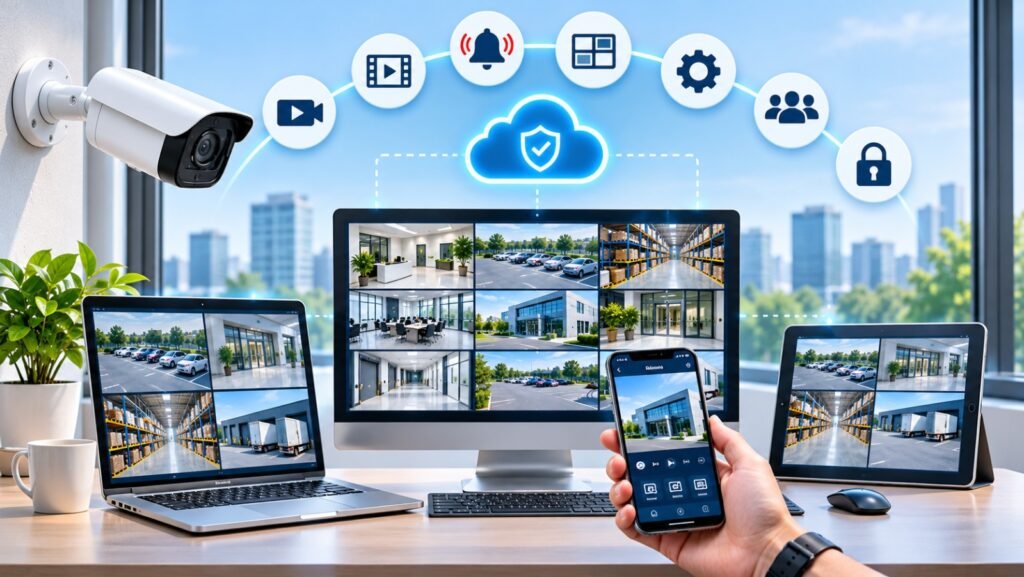
Modern surveillance systems allow authorized users to view cameras from smartphones, computers, tablets, and remote monitoring stations.
Remote access is particularly useful for business owners, property managers, security supervisors, and organizations with multiple locations.
Instead of physically visiting the premises, authorized users can check live footage, review recordings, and receive security notifications from a remote location.
Useful remote monitoring capabilities
A practical remote monitoring platform should offer:
- Live camera viewing.
- Recorded video playback.
- Mobile notifications.
- Multi-camera viewing.
- Remote system management.
- User permission controls.
- Secure login.
- Reliable connection options.
For businesses with multiple branches, centralized monitoring can help management maintain visibility across different locations.
However, remote access should be implemented securely. Cameras and recorders are network-connected devices, so weak passwords, outdated firmware, or exposed services can create security risks.
Cybersecurity best practices
Security managers should:
- Change default passwords immediately.
- Use strong, unique credentials.
- Enable multi-factor authentication where available.
- Keep camera and recorder firmware updated.
- Disable unnecessary services.
- Restrict access to authorized users.
- Avoid exposing cameras directly to the public internet.
- Use secure remote-access methods.
- Review user permissions regularly.
- Maintain a record of connected surveillance devices.
For further guidance, consult the Cybersecurity and Infrastructure Security Agency (CISA) resources and manufacturer security documentation.
Remote monitoring should provide convenience without weakening the security of the surveillance infrastructure itself.
9. Reliable Recording, Storage Capacity, and Backup
Recording video is one of the most important responsibilities of a surveillance system. A camera may provide excellent live footage, but if recordings are missing when an incident occurs, the system cannot deliver its full security value.
Storage planning should consider the number of cameras, resolution, bitrate, frame rate, recording schedule, motion activity, and required retention period.
Choosing the right recording solution
Most IP surveillance installations use a Network Video Recorder (NVR), which receives video streams from cameras and stores footage on hard drives.
A suitable NVR should support:
- The required number of camera channels.
- Compatible camera resolutions.
- Sufficient incoming bandwidth.
- Appropriate storage capacity.
- Reliable playback and search.
- Export of video evidence.
- User access management.
- Backup or redundancy options where needed.
For example, a small office with six cameras may require a different storage configuration from a warehouse with 40 cameras recording continuously.
Continuous recording vs. event recording
Continuous recording stores video throughout the day and night. It is useful when organizations need complete coverage and want to review events even when no motion alert was triggered.
Event-based recording saves footage around detected activity. This can reduce storage consumption, but the system must be configured carefully to avoid missing important events.
Many systems support a combination of recording modes, such as continuous recording with event markers.
Storage reliability
Surveillance storage drives are designed for recording workloads that differ from typical desktop computer usage.
When selecting storage, consider:
- Surveillance-rated hard drives.
- Total storage capacity.
- Expected retention period.
- RAID or redundancy requirements.
- Disk-health monitoring.
- Backup and export procedures.
- Replacement planning.
Businesses should also periodically test video playback and verify that recordings are available from all cameras.
Storage is one of the IP camera system features that is often overlooked during purchasing, even though it directly determines whether video evidence will be available when required.
10. ONVIF Compatibility and Integration with Other Security Systems
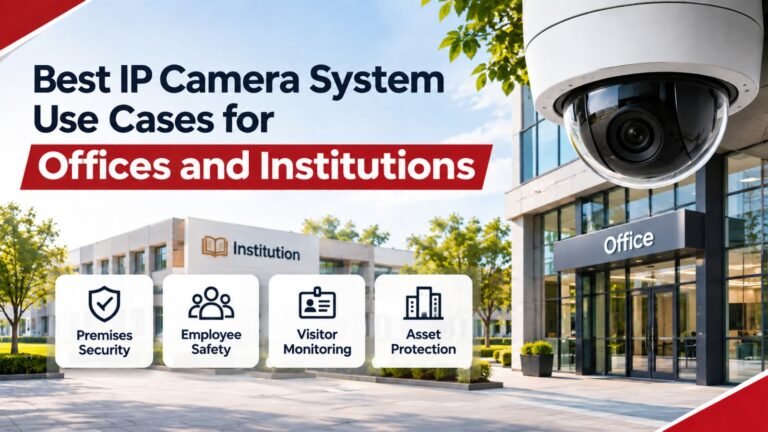
Businesses often use more than one security technology. Their surveillance cameras may need to work with access control systems, alarm systems, video management software, building management platforms, or third-party recording solutions.
Compatibility is therefore an important consideration when selecting IP cameras.
ONVIF is an industry organization that develops standards intended to improve interoperability between network-based security products.
Why compatibility matters
A compatible surveillance system may allow organizations to:
- Connect cameras with supported NVRs.
- Use third-party video management software.
- Integrate video with access control.
- Manage multiple camera brands.
- Expand an existing installation.
- Reduce dependence on a single manufacturer’s ecosystem.
However, compatibility should never be assumed simply because two devices mention ONVIF.
Different ONVIF profiles support different functions, and implementation may vary between manufacturers and models.
What to check before purchasing
Verify the following details:
- Exact camera model.
- Exact NVR model.
- Supported ONVIF profile.
- Firmware compatibility.
- Live streaming support.
- Recording support.
- Motion-event integration.
- Audio compatibility, if required.
- PTZ functionality, if required.
- Analytics compatibility.
- Video playback and export.
For official standards and product compatibility information, visit the ONVIF website.
If your organization plans to expand its security infrastructure in the future, choosing compatible equipment can make upgrades easier and reduce unnecessary replacement costs.
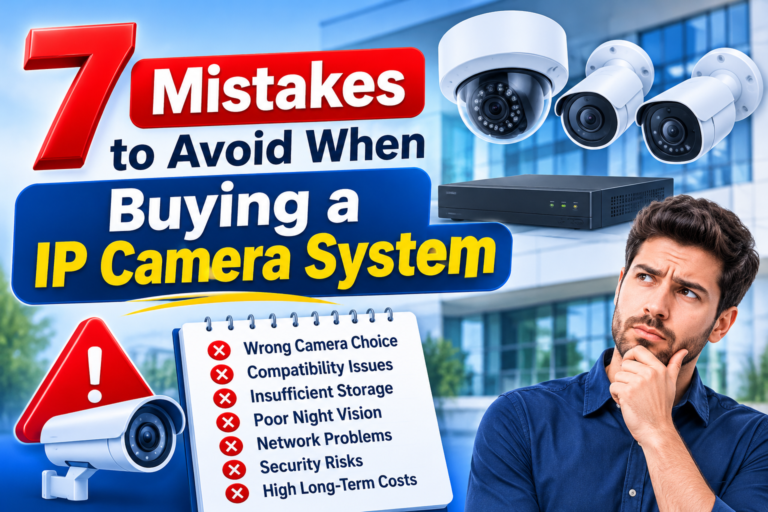
Additional Considerations Before Buying an IP Camera System
Although the ten features above cover many important technical requirements, choosing the correct surveillance system also requires evaluating the environment and the organization’s security objectives.
Camera placement and lens selection
Camera placement determines what the surveillance system can actually observe.
A wide-angle lens may cover a large room but provide less detail on distant objects. A narrower lens may offer better identification at a specific location but cover a smaller area.
Before installation, identify:
- Entry and exit points.
- Areas containing valuable equipment.
- Cash-handling locations.
- Restricted zones.
- Parking facilities.
- Loading and unloading areas.
- Blind spots.
- Lighting conditions.
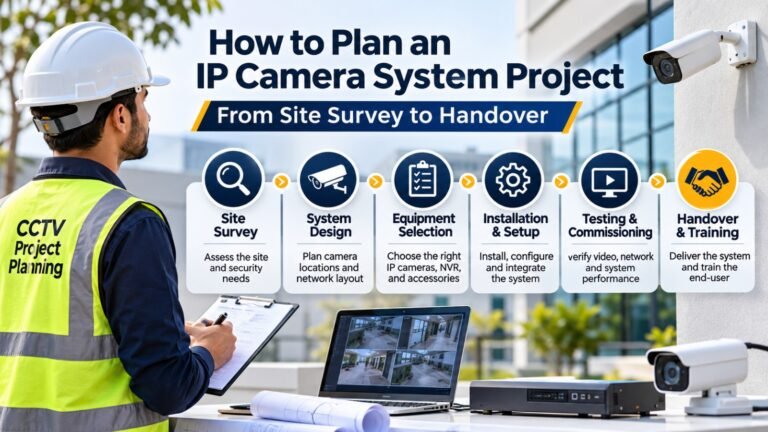
A site survey helps determine the appropriate camera types, lens requirements, mounting heights, and recording settings.
Scalability for future expansion
A surveillance system should be designed with future requirements in mind.
Businesses may expand their premises, add warehouses, install new entrances, or require additional monitoring areas.
A scalable design should consider spare NVR channels, switch capacity, network bandwidth, storage expansion, and software licensing where applicable.
Planning ahead can reduce installation costs and avoid replacing major components during future upgrades.
Privacy and responsible monitoring
Security cameras should be installed for legitimate security purposes and used responsibly.
Organizations should consider applicable privacy laws, employee policies, camera signage, access restrictions, footage retention, and appropriate camera placement.
Cameras should not unnecessarily monitor private spaces. Access to recorded footage should be limited to authorized personnel, and recordings should be handled according to organizational policies and legal requirements.
Responsible surveillance helps protect both the organization and the people whose activities may be recorded.
How to Select the Right Features for Your Business
Not every business requires the same camera specifications. The best surveillance system depends on the size of the property, security risks, lighting conditions, monitoring requirements, network infrastructure, and available budget.
Here is a simple comparison to help businesses prioritize features.
| Environment | Recommended priorities |
|---|---|
| Retail stores | High resolution, WDR, human detection, reliable recording |
| Offices | Remote monitoring, access control integration, secure network |
| Warehouses | Long-range visibility, night vision, durable cameras, storage |
| Parking areas | Weatherproof cameras, vehicle detection, low-light performance |
| Factories | Industrial durability, analytics, network reliability |
| Schools | Clear identification, restricted-zone monitoring, privacy |
| Residential properties | Mobile viewing, motion alerts, night vision, easy installation |
| Commercial buildings | Scalability, centralized management, secure access |
Selecting equipment according to actual requirements helps avoid spending money on unnecessary features while ensuring essential security functions are available.
A dependable surveillance solution is built around real-world performance, not just impressive specifications. Clear video, effective night vision, WDR, durable construction, intelligent analytics, efficient compression, reliable connectivity, secure remote access, dependable storage, and compatibility all contribute to a better security experience.
Understanding these IP camera system features allows businesses and property owners to make more informed decisions when purchasing, upgrading, or installing surveillance equipment.
Before investing in a system, evaluate your property’s security needs, perform a site survey, confirm compatibility, and test important features under actual operating conditions. The right combination of technology and professional planning can help improve security, reduce operational problems, and provide valuable video evidence when it is needed.
A well-designed IP camera system is not simply a collection of cameras. It is a complete security solution that helps organizations monitor their environments, protect assets, and make better-informed decisions.
Frequently Asked Questions (FAQs)
1. What are the most important IP camera system features?
The most important features include high-resolution video, effective night vision, WDR, weatherproof construction, smart motion detection, efficient video compression, PoE connectivity, secure remote access, reliable recording storage, and compatibility with other security systems.
2. Is 4MP or 8MP better for security cameras?
Both can be useful. A 4MP camera may provide sufficient detail for many offices, retail stores, and general monitoring applications. An 8MP camera can capture more detail when the monitoring distance and installation conditions support it. The correct choice depends on the required identification level, lens, lighting, bandwidth, and storage.
3. Which feature is most important for outdoor IP cameras?
For outdoor installations, weather protection, low-light performance, suitable operating temperature, reliable connectivity, and appropriate lens selection are particularly important. The camera should be selected according to the environmental conditions at the installation site.
4. Does an IP camera system support remote monitoring?
Yes. Many IP camera systems support remote monitoring through mobile applications, web interfaces, and video management software. Remote access allows authorized users to view live video, review recordings, and receive notifications when configured events occur.
5. Why is WDR important in surveillance cameras?
WDR helps cameras capture clearer images in scenes containing both bright and dark areas. It is particularly useful at entrances, windows, reception areas, and locations where sunlight or bright backgrounds may affect visibility.
6. What is PoE in an IP camera system?
Power over Ethernet (PoE) allows compatible cameras to receive electricity and network connectivity through a single Ethernet cable. It simplifies installation and can support centralized power backup when connected to a properly configured UPS.
7. How much storage does an IP camera system need?
Storage requirements depend on camera count, resolution, bitrate, frame rate, recording mode, and retention period. Continuous recording generally requires more storage than event-based recording. Storage capacity should be calculated before installation to ensure footage remains available for the required period.
8. Are AI camera features necessary?
AI-based features are not essential for every installation, but they can improve monitoring efficiency. Human detection, vehicle detection, intrusion alerts, and line-crossing detection can help security personnel focus on important events and reduce unnecessary notifications.
9. What is ONVIF compatibility?
ONVIF provides standards intended to improve interoperability between network security products. It can help cameras, recorders, and management software work together, but users should confirm the exact models, profiles, and functions before purchasing.
10. How can businesses improve IP camera system reliability?
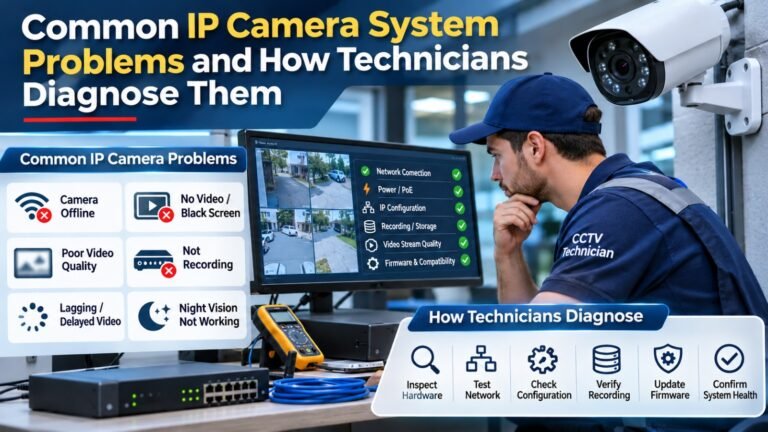
Businesses can improve reliability through proper site surveys, suitable camera placement, secure network configuration, quality cabling, adequate storage, backup power, regular maintenance, firmware updates, and periodic testing of recordings and alerts.