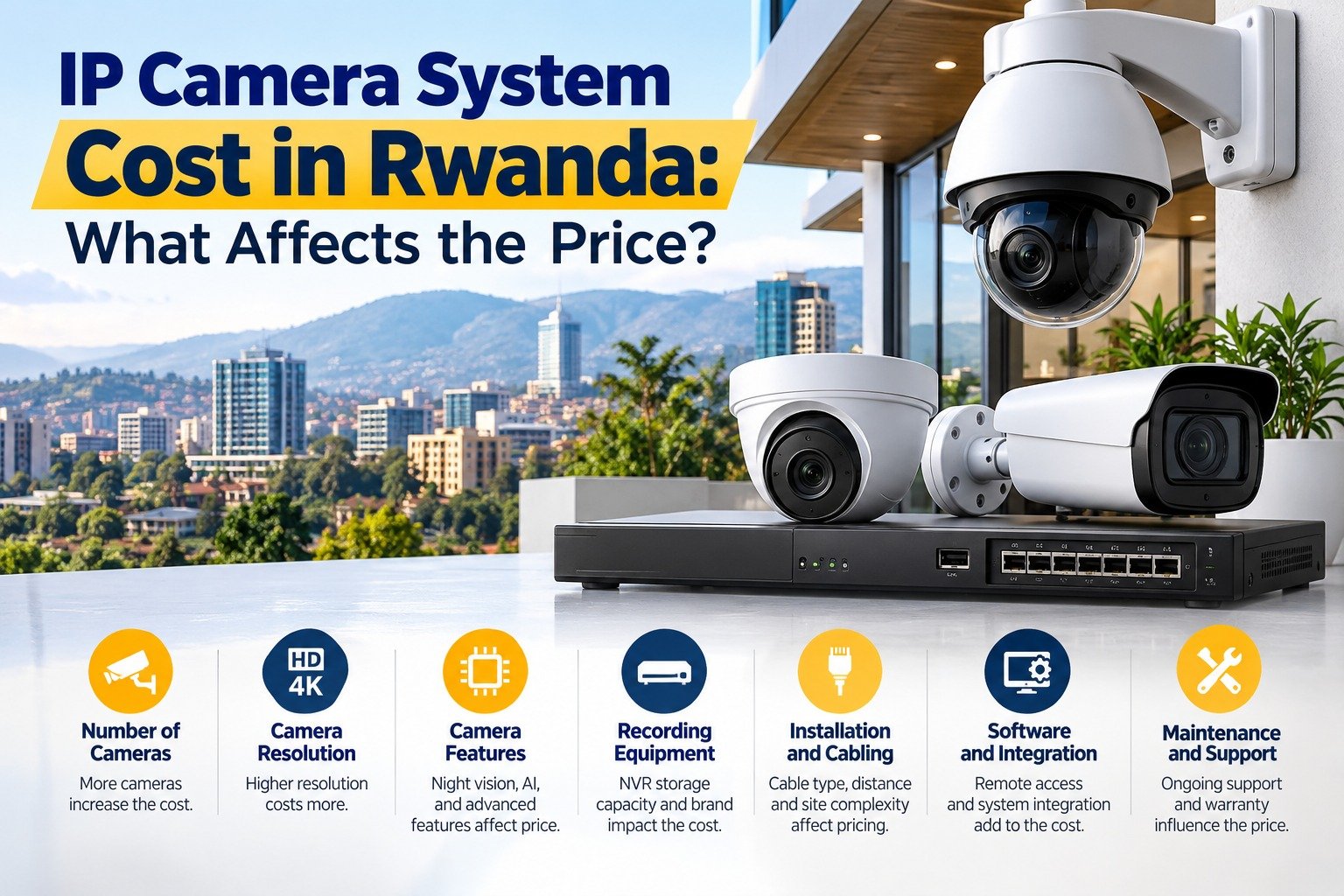
IP Camera System Cost in Rwanda: What Affects the Price?
Installing an IP camera system is a practical way to improve security for homes, offices, shops, warehouses, schools, hotels, and other commercial properties. However, before purchasing equipment, many property owners ask an important question: How much does an IP camera system cost in Rwanda?
The answer depends on several factors, including the number of cameras, image resolution, recording storage, installation requirements, networking equipment, night vision, and advanced security features. A small residential installation may require only a few cameras, while a large business may need dozens of cameras, central monitoring, and additional network infrastructure.
Understanding the IP camera system cost in Rwanda can help you plan your security budget, compare quotations, and select equipment that meets your actual requirements. Rather than choosing a system based only on its initial price, it is important to evaluate its performance, reliability, and long-term maintenance costs.
In this guide, we explain the main factors that affect IP camera pricing, the equipment you may need, and how to make a cost-effective decision for your property.
What Is an IP Camera System?
An IP camera system is a digital surveillance solution that uses a network to transmit video. IP stands for Internet Protocol, which allows cameras to communicate with compatible recording devices, computers, and other network equipment.
Unlike traditional analogue CCTV systems, IP cameras transmit digital video over a network connection. Depending on the equipment, users can access live footage, review recordings, receive motion alerts, and monitor their property remotely.
A typical IP surveillance system includes:
- IP cameras: Capture video from entrances, corridors, parking areas, offices, and other locations.
- Network video recorder (NVR): Records and manages video from compatible network cameras.
- Hard drive: Stores recorded footage for later playback.
- Network switches: Connect cameras and other network devices.
- Power over Ethernet (PoE): Allows compatible cameras to receive power and data through one Ethernet cable.
- Ethernet cables: Connect cameras to the network.
- Router and internet connection: May be required for remote access and other online functions.
- Monitoring devices: A computer, monitor, or smartphone can display live and recorded footage.
Not every installation needs all these components as separate devices. For example, a PoE NVR may include built-in camera ports, while some cameras can record to local memory cards.
Understanding these components is the first step towards estimating the IP camera system cost in Rwanda accurately.
How Much Does an IP Camera System Cost in Rwanda?
There is no universal price for every IP camera installation. The total cost depends on the equipment selected, the property’s layout, the required recording period, and the complexity of the installation.
For an initial budget, buyers can review publicly listed equipment prices from Rwandan suppliers. For example, VEXA’s CCTV equipment catalogue lists NVR models and surveillance hard drives at different prices. These listings provide a useful starting point, but the cost of a complete installed IP system must also account for cameras, cabling, accessories, labour, and configuration.
The following table illustrates how project requirements affect the budget.
| System type | Typical requirements | Main cost considerations |
|---|---|---|
| Small home system | 2–4 cameras | Basic recording, short cable runs, mobile access |
| Small shop or office | 4–8 cameras | Entrance coverage, cash counter monitoring, storage |
| Medium business | 8–16 cameras | Larger NVR, PoE switches, extended retention |
| Large commercial property | 16–32 cameras | Network design, multiple areas, additional storage |
| Industrial or multi-site system | 32+ cameras | Central monitoring, advanced analytics, redundancy |
These categories describe system sizes, not fixed prices. Two systems with eight cameras can have significantly different costs if one uses basic cameras and the other requires 4K imaging, advanced analytics, outdoor protection, and longer recording retention.
For a realistic quotation, ask a supplier to assess your site and itemise the equipment, installation, and ongoing service costs.
1. Number of Cameras Required
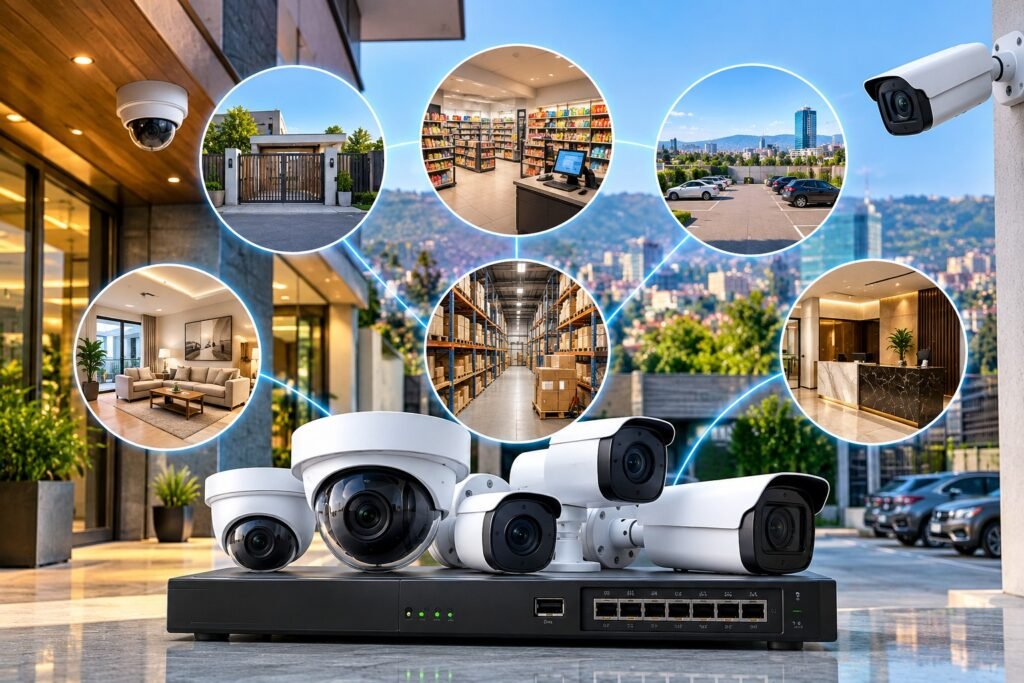
The number of cameras is one of the most direct factors affecting the overall budget.
A small home might need cameras at the main entrance, rear door, parking space, and living-area entrance. A retail business may need additional coverage for cash counters, shelves, stockrooms, loading areas, and staff entrances.
Every additional camera can increase the cost of equipment, mounting accessories, cabling, network capacity, and installation labour.
However, installing more cameras does not automatically guarantee better security. Poor positioning can create blind spots even when a property has many cameras.
Before purchasing equipment, identify the areas that need monitoring and determine what each camera must capture. For example, a camera intended to monitor a wide parking area may need a different lens and viewing angle from a camera used to identify people entering a reception area.
A professional site assessment can help determine the appropriate camera count and avoid unnecessary expenditure.
2. Camera Resolution and Image Quality
Resolution affects the level of detail captured in recorded footage. Common options include 2MP, 4MP, 5MP, and 8MP cameras, although specifications vary between manufacturers and models.
Higher-resolution cameras can capture more image detail when lighting, lens quality, camera positioning, and recording settings are suitable. However, higher resolution may also increase equipment costs and storage requirements.
Consider the following examples:
- 2MP cameras: May be sufficient for general monitoring of small indoor areas.
- 4MP cameras: Can provide additional detail for entrances, offices, and retail environments.
- 5MP cameras: May suit areas where greater image detail is beneficial.
- 8MP or 4K cameras: Can be useful for demanding applications requiring detailed footage, provided the complete system supports the required performance.
A high-resolution camera is not always the best choice for every location. A properly positioned 4MP camera may be more useful than a poorly positioned 8MP camera.
When comparing the IP camera system cost in Rwanda, consider resolution alongside the lens, field of view, lighting performance, compression, and recorder compatibility.
3. Camera Type and Special Features
IP cameras are available in different designs, each intended for particular environments and security requirements.
Dome cameras are commonly used indoors, including offices, shops, corridors, and reception areas. Their compact design can suit locations where a discreet installation is preferred.
Bullet cameras are often used outdoors to monitor entrances, building perimeters, parking areas, and gates. Their visible shape can also make camera placement easier to recognise.
PTZ cameras provide pan, tilt, and zoom functionality. They may be suitable for large properties where operators need to adjust the viewing direction remotely. They generally involve different costs and operating requirements from fixed cameras.
Other features can influence the purchase price, including:
- Built-in microphones, where appropriate and lawful.
- Motorised zoom lenses.
- Wide dynamic range (WDR).
- Smart motion detection.
- Person or vehicle detection.
- Licence plate recognition.
- Thermal imaging for specialist applications.
- Local memory card support.
Choose features based on the property’s actual security needs. Advanced analytics may be valuable at a warehouse entrance, but unnecessary for a small room that only requires basic recording.
4. Night Vision and Low-Light Performance
Many security incidents occur during the evening or in poorly illuminated locations. Night vision is therefore an important consideration when choosing cameras for homes and businesses.
Basic infrared cameras use infrared illumination to capture images in darkness. Other models use low-light sensors or supplemental visible lighting to produce colour images under suitable conditions.
The price can vary according to the camera’s low-light sensor, infrared range, illumination technology, lens, and image-processing capabilities.
Before selecting a camera, consider the environment in which it will operate. A well-lit reception area may not require the same night vision performance as a dark parking lot or an outdoor boundary.
Ask your supplier to demonstrate actual night footage if night-time identification is a major requirement. Marketing descriptions alone may not show how well a camera performs when faced with glare, moving objects, or changing light conditions.
The goal is to choose equipment that provides usable evidence in real conditions rather than paying extra for features that do not improve security at your site.
5. Storage Capacity and Recording Duration
Storage is another major factor affecting the total installation budget. An IP camera system can record continuously, only when motion is detected, or according to a configured schedule.
The amount of storage required depends on:
- Number of cameras.
- Resolution and frame rate.
- Video compression settings.
- Recording hours per day.
- Continuous or event-based recording.
- Required retention period.
- Number of simultaneous recording streams.
For example, a business that needs 30 days of continuous recording will generally require more storage than a property that records only selected motion events for seven days.
A surveillance-grade hard drive is commonly used in an NVR because it is designed for the demands of video recording. The correct capacity should be calculated from the system’s actual settings rather than selected at random.
You can compare available equipment through VEXA’s NVR and hard-drive listings. Product prices and availability may change, and the listed equipment price does not necessarily include installation.
When estimating the IP camera system cost in Rwanda, ask your installer to specify the hard-drive capacity and expected number of recording days. Also confirm what happens when the drive becomes full and whether the recorder automatically overwrites older footage.
6. NVR Capacity and Network Equipment
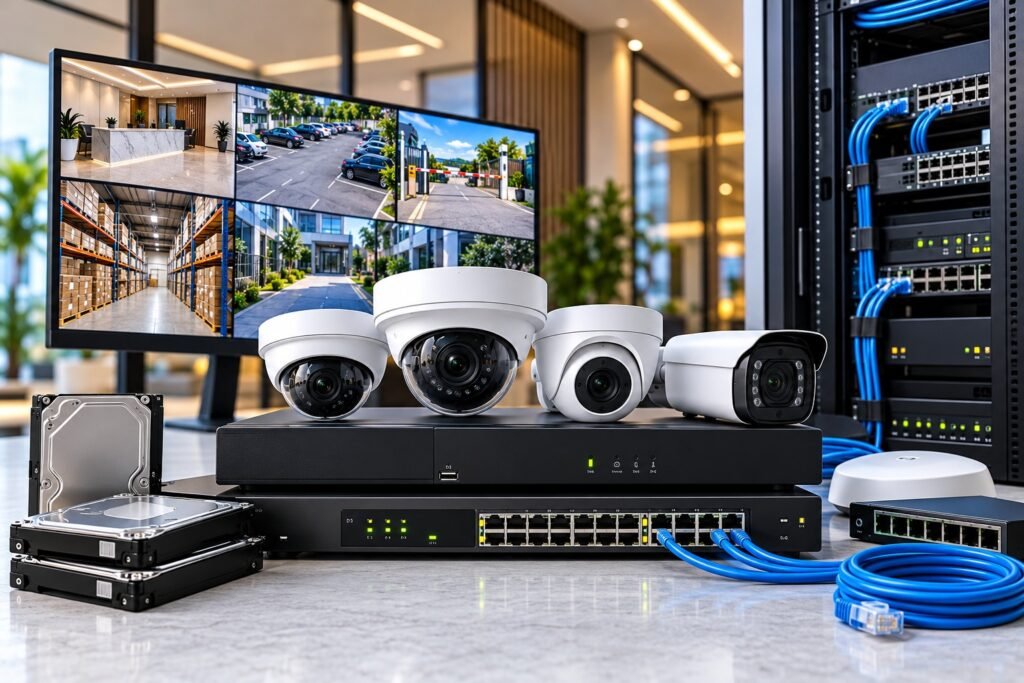
The network video recorder is responsible for receiving, managing, and recording camera footage. Its specifications can have a substantial effect on the final price.
An NVR should support the required number of cameras, recording resolution, incoming bandwidth, storage capacity, and any planned advanced features.
For example, a four-channel NVR may suit a small installation with four cameras. A larger property may require an eight-, sixteen-, or thirty-two-channel recorder, depending on its current and future needs.
It is sensible to consider expansion before purchasing. If a business expects to add cameras later, choosing a suitable recorder from the beginning may reduce the expense of replacing equipment.
Network switches are another important consideration. PoE switches can simplify installation by delivering power and data over compatible Ethernet connections. However, the switch must have sufficient port capacity and a suitable power budget for the connected cameras.
Larger installations may also need managed switches, network racks, patch panels, fibre links, or separate network configurations. These requirements increase the budget but can improve the reliability and organisation of the installation.
For mixed-brand equipment, check interoperability carefully. The official ONVIF Profiles documentation explains how conformant products use defined profiles to support compatibility. Confirm the relevant profile and features for the exact camera and NVR models before purchasing.
7. Installation Labour and Site Complexity
Equipment is only one part of the total project cost. Installation labour can vary considerably depending on the property’s design and the difficulty of running cables.
A straightforward installation in a small building may require relatively simple cable routes and accessible mounting locations. A large commercial property may involve multiple floors, high ceilings, outdoor poles, long cable distances, or difficult access to mounting points.
Installation costs may include:
- Site inspection and camera planning.
- Cable routing and cable protection.
- Drilling and mounting.
- Installing switches and the recorder.
- Configuring cameras and recording schedules.
- Setting up remote access.
- Testing image quality and recording.
- Training users and handing over the system.
Outdoor installation may require weather-resistant enclosures, suitable cable protection, and additional mounting hardware. Older buildings may also require extra work to create safe and practical cable routes.
Request an itemised quotation that explains which installation tasks are included. This helps you compare suppliers fairly and reduces the risk of unexpected charges after work begins.
8. Indoor and Outdoor Protection
The environment in which a camera operates can affect its price and lifespan.
Indoor cameras may be suitable for offices, shops, and reception areas where they are protected from rain and dust. Outdoor cameras may need weather-resistant construction, suitable temperature ratings, corrosion protection, and protection against physical damage.
Check the IP rating when selecting equipment for exposed locations. For instance, IP66-rated enclosures are designed to provide dust-tight protection and protection against powerful water jets under specified test conditions. An IP rating does not automatically guarantee protection against every environmental hazard.
In Rwanda, consider the conditions at the actual site, including rainfall exposure, dust, humidity, sunlight, and the security of mounting locations.
A camera installed under a protected roof may face different demands from one mounted on an exposed gate or boundary wall. Selecting suitable equipment can reduce premature failures and replacement expenses.
9. Internet Connectivity and Remote Monitoring
Many IP camera systems allow authorised users to view live footage or recordings through a smartphone or computer. However, the cost and performance of remote access depend on how the system is configured.
Local recording can continue without continuous internet access if the equipment and network are configured appropriately. Remote access generally requires a working internet connection, suitable networking equipment, and secure access settings.
Possible costs include:
- Router installation or upgrades.
- Internet service.
- Network configuration.
- Remote viewing setup.
- Secure user accounts and permissions.
- Cloud storage subscriptions, if required.
- Remote monitoring services, where offered.
Cloud recording is not essential for every installation. A local NVR may meet the needs of a home or small business, while a company with multiple branches may benefit from centralised monitoring or off-site backup.
Before choosing a package, ask whether internet service and subscriptions are included in the quoted price or charged separately.
10. Power Supply and Backup Protection
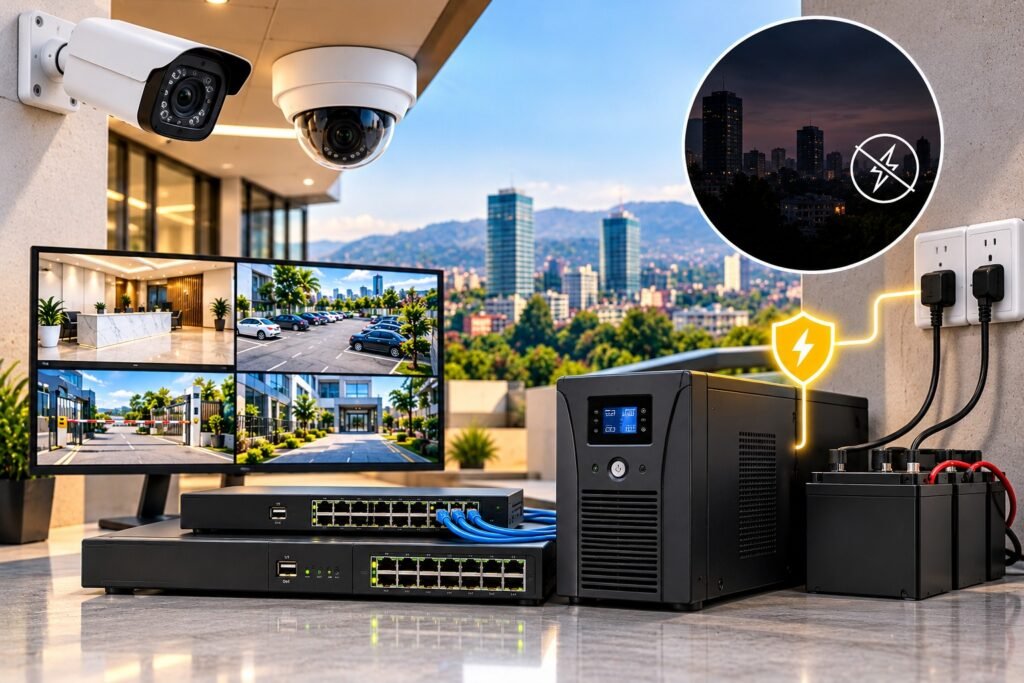
Cameras, recorders, switches, and networking equipment require reliable power to operate properly. Power interruptions can prevent recording or remote access unless suitable backup arrangements are available.
A compatible uninterruptible power supply (UPS) can keep selected equipment operating temporarily during an outage. The required backup capacity depends on the connected load and the desired runtime.
Other potential requirements include surge protection, appropriate grounding, protected power connections, and backup arrangements for network equipment.
For a small installation, a basic backup solution may be sufficient. A business that relies on continuous surveillance may need a more carefully designed power arrangement.
When requesting a quotation, confirm which devices are covered by the backup system and how long they are expected to remain operational. Avoid assuming that the cameras will continue recording simply because the NVR is connected to a UPS.
11. Advanced Analytics and Integration
Some IP camera systems provide more than standard video recording. Advanced functions may include people counting, intrusion detection, vehicle detection, licence plate recognition, and integration with access control systems.
These features can increase the initial cost through specialised cameras, additional software, licensing, or more powerful recording equipment.
For example, a retail business may benefit from people-counting features, while a warehouse may prioritise perimeter intrusion alerts. A residential property may need neither feature.
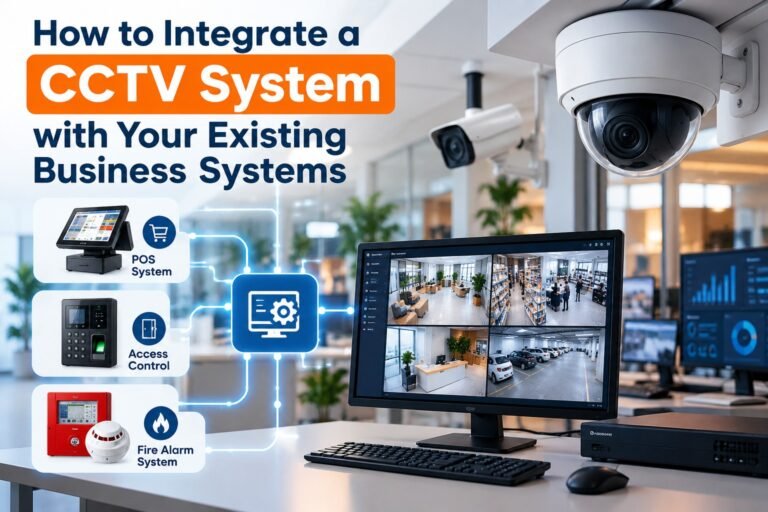
Integration with other business systems may also require additional configuration or specialist software. Compatibility should be verified before purchase, especially when connecting cameras to existing recorders, access control equipment, or video management platforms.
The most cost-effective solution is not necessarily the one with the most features. It is the one that provides the functions your property genuinely requires.
12. Maintenance, Warranty, and Technical Support
The initial purchase price does not represent the full cost of owning a surveillance system.
Over time, cameras may require cleaning, network components may need replacement, hard drives can fail, and software may require updates. Cable damage, incorrect settings, and power issues can also affect recording reliability.
Before selecting an installer, check:
- Equipment warranty duration and conditions.
- Installation workmanship warranty.
- Availability of replacement equipment.
- Technical support response times.
- Preventive maintenance options.
- Firmware and security update procedures.
- Charges for future visits and repairs.
A low-cost system without dependable support may become expensive if faults remain unresolved. A slightly higher initial investment can be worthwhile if it includes appropriate equipment, professional configuration, and reliable after-sales service.
When comparing the IP camera system cost in Rwanda, consider both the upfront payment and the likely maintenance expenses over the system’s useful life.
13. Privacy and Legal Responsibilities
CCTV planning should include privacy, data security, and responsible use of recorded footage. These considerations can influence camera placement, access permissions, storage arrangements, and system configuration.
Rwanda’s Law Relating to the Protection of Personal Data and Privacy provides the legal framework for handling personal data. The Data Protection and Privacy Office provides further information about the law and its requirements.
Businesses should consider who can view recordings, how long footage is retained, how recordings are protected, and when footage may be shared. Cameras should be positioned for legitimate security purposes without unnecessarily monitoring private spaces.
Appropriate signage and other safeguards may be required depending on the property, the purpose of surveillance, and the applicable rules.
These measures are part of responsible system planning, not simply optional technical extras. Ask your supplier to help configure appropriate security controls, and seek qualified legal guidance if your circumstances require it.
14. How to Reduce the Cost Without Sacrificing Security
A sensible budget does not mean buying the cheapest available cameras. It means allocating money to the components that have the greatest effect on your security objectives.
Here are practical ways to manage expenditure:
Start with a site survey. Identify entrances, vulnerable areas, parking spaces, stockrooms, and other locations that require coverage. This helps prevent unnecessary purchases.
Select suitable resolution. Use higher-resolution cameras where additional detail is important rather than paying for maximum resolution everywhere.
Calculate storage requirements. Decide how many days of footage you need and ask for a storage estimate based on your recording settings.
Use PoE where appropriate. Compatible PoE equipment can simplify power and data cabling, although switch capacity and cable requirements must still be assessed.
Plan for expansion. If you expect to add cameras, consider a recorder and network design that can accommodate future growth.
Compare itemised quotations. Ask each supplier to list camera models, NVR specifications, hard-drive capacity, cabling, labour, warranties, and additional charges.
Prioritise reliability. Suitable equipment, professional installation, and regular maintenance can help reduce future repair and replacement costs.
These steps make it easier to choose a system that fits your budget while maintaining practical security coverage.
15. What Should a Professional IP Camera Quotation Include?
Before accepting a quotation, make sure the proposal explains the entire system rather than giving only a single total price.
Use the following checklist when comparing suppliers.
| Item | What to confirm |
|---|---|
| Cameras | Quantity, model, resolution, lens, and night vision |
| NVR | Channel count, bandwidth, and supported features |
| Storage | Hard-drive capacity and expected retention period |
| Networking | PoE switches, ports, and network requirements |
| Cabling | Cable type, approximate length, and accessories |
| Installation | Mounting, labour, configuration, and testing |
| Remote access | Mobile viewing and user setup |
| Power backup | UPS capacity and covered equipment |
| Warranty | Equipment and installation coverage |
| Maintenance | Support arrangements and future service charges |
Also confirm whether the quotation includes applicable taxes, delivery, and any additional work required at the property.
A detailed proposal makes it easier to identify missing components and compare offers on a like-for-like basis. This is particularly important when one supplier offers a lower price but excludes storage, backup power, or installation accessories.